
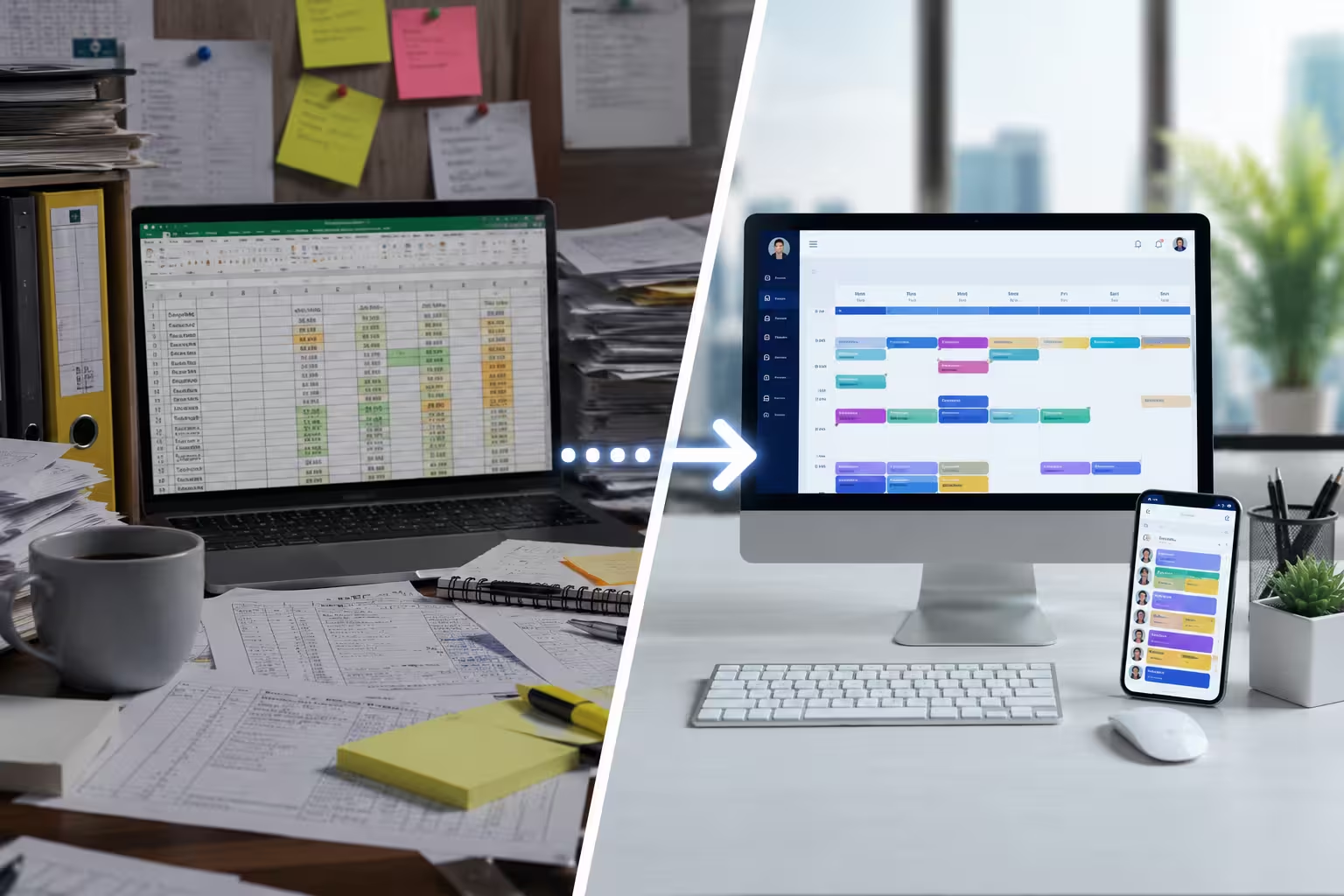
Managing employee schedules is one of the most important operational tasks for any organization. Whether you’re running a retail store, healthcare facility, manufacturing company, warehouse, restaurant, or service business, ensuring the right employees are available at the right time directly affects productivity, customer service, labor costs, and employee satisfaction.
For many businesses, Microsoft Excel is the first tool used to create employee schedules. It is inexpensive, familiar, and easy to access. However, as companies grow, scheduling becomes far more complex than simply filling cells in a spreadsheet.
Managers begin dealing with shift swaps, overtime, employee availability, leave requests, compliance requirements, and multiple work locations. At this point, Excel often becomes more of a limitation than a solution.
Modern employee scheduling software is designed specifically to handle these challenges through automation, workforce visibility, and real-time communication.
In this guide, we’ll compare Excel employee schedules with scheduling software, explore the advantages and disadvantages of each, and help you decide when it’s time to upgrade.
Why Businesses Still Use Excel for Employee Scheduling
Excel has been one of the most widely used business tools for decades.
Many businesses choose Excel because:
- Most employees already know how to use it.
- It requires little initial investment.
- Templates are widely available.
- It allows managers to customize schedules manually.
For businesses with only a handful of employees, Excel may seem like a practical scheduling solution.
However, what works for five employees rarely works efficiently for fifty or five hundred employees.
As workforce complexity increases, Excel’s limitations become increasingly obvious.
What Is Employee Scheduling Software?
Employee scheduling software is a cloud-based solution designed to automate and simplify workforce scheduling.
Instead of manually editing spreadsheets every week, managers can:
- Create schedules automatically
- Assign shifts in minutes
- Track employee availability
- Approve leave requests
- Handle shift swaps
- Send instant notifications
- Monitor labor costs
- Integrate scheduling with attendance and payroll
Rather than functioning as a simple calendar, scheduling software becomes part of a complete workforce management system.
Looking for a smarter scheduling solution? Explore our Employee Scheduling Software to automate shift planning and workforce coordination.
Also Read : What Is a Timesheet? Complete Guide for Employers (2026)
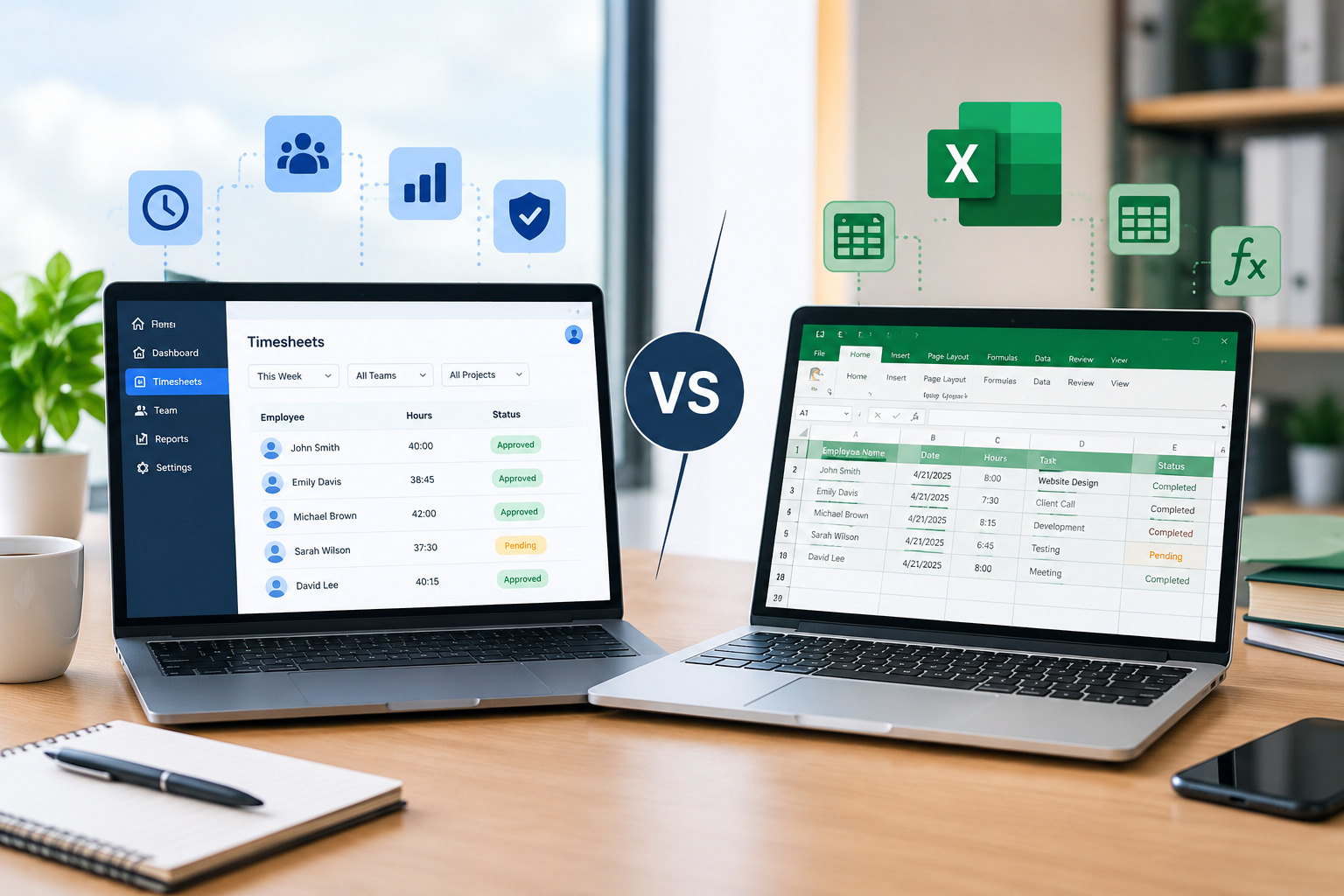
Excel vs. Scheduling Software: Side-by-Side Comparison
Although both methods organize employee work schedules, they differ dramatically in efficiency, accuracy, scalability, and employee experience.
Ease of Creating Schedules
Creating schedules in Excel requires managers to manually:
- Enter employee names
- Assign shifts
- Check availability
- Monitor overtime
- Update formulas
- Save and distribute files
Every schedule begins from scratch or requires editing previous versions.
Scheduling software automates much of this work.
Managers can generate schedules using predefined rules, employee availability, and workforce requirements within minutes.
The larger the workforce, the greater the time savings.
Employee Availability Management
One of Excel’s biggest weaknesses is managing employee availability.
Managers often receive availability through:
- Emails
- Text messages
- Phone calls
- Sticky notes
- Verbal conversations
Keeping Excel updated becomes difficult.
Scheduling software allows employees to submit their availability directly through the system, ensuring managers always have accurate workforce information.
This reduces scheduling conflicts and improves shift planning.
Shift Changes and Swaps
Employee schedules rarely remain unchanged.
People become sick, request leave, or need to swap shifts.
With Excel, every schedule modification requires managers to:
- Edit the spreadsheet
- Save a new version
- Send updated copies
- Confirm employees received the changes
This process consumes valuable management time.
Scheduling software simplifies shift changes through automated workflows and real-time notifications.
Employees always see the latest schedule.
Communication
Poor communication is one of the biggest causes of scheduling problems.
Excel itself does not notify employees when schedules change.
Managers often rely on:
- SMS
- Phone calls
This creates opportunities for misunderstandings.
Scheduling software automatically alerts employees whenever schedules are updated.
Better communication reduces missed shifts and improves accountability.
Overtime Management
Tracking overtime manually inside Excel is possible but often requires complex formulas and constant monitoring.
Managers may overlook overtime until payroll processing begins.
Scheduling software provides real-time overtime visibility.
Managers can identify overtime risks before schedules are finalized, helping reduce unnecessary labor costs.
Workforce Visibility
Managers using Excel frequently struggle to answer questions such as:
- Who is currently working?
- Who is off today?
- Who has reached overtime?
- Which departments are understaffed?
Scheduling software provides centralized workforce visibility through dashboards and reports.
Managers can make faster operational decisions without manually reviewing spreadsheets.
Payroll Accuracy
Employee schedules directly affect payroll calculations.
Manual scheduling often results in:
- Incorrect work hours
- Missing overtime
- Payroll adjustments
- Administrative corrections
Scheduling software integrates with attendance and timesheet systems, helping ensure payroll is based on accurate workforce data.
Learn how our Timesheet Management Software improves payroll accuracy with automated work-hour tracking.
Managing Multiple Locations
Businesses operating across multiple branches often struggle with Excel.
Managers may maintain separate scheduling files for each location, increasing administrative complexity.
Scheduling software centralizes scheduling across all locations while providing role-based access for managers and supervisors.
This improves consistency and operational control.
Security and Version Control
Excel files can easily become outdated.
Common issues include:
- Multiple versions
- Accidental deletions
- Unauthorized edits
- Lost files
Scheduling software stores all workforce information securely in one centralized platform with controlled user permissions and automatic updates.
Everyone accesses the same real-time schedule.
Reporting and Analytics
Excel can generate reports, but building them requires significant manual effort.
Scheduling software automatically provides reports for:
- Attendance
- Labor costs
- Shift coverage
- Overtime
- Workforce utilization
- Scheduling trends
These insights help organizations continuously improve workforce planning.
Advantages of Excel Scheduling
Excel still offers several benefits for very small organizations.
Advantages include:
- Low cost
- Familiar interface
- Flexible formatting
- Easy customization
- No subscription fees
For businesses with only a few employees and simple schedules, Excel may remain sufficient.
Also Read : Signs Your Business Needs Employee Scheduling Software
Limitations of Excel Scheduling
As organizations expand, Excel becomes increasingly difficult to manage.
Common limitations include:
- Manual updates
- No automation
- Poor communication
- Limited collaboration
- No employee self-service
- Version control problems
- Higher error rates
- Time-consuming schedule creation
These limitations often reduce productivity and increase management workload.
Benefits of Employee Scheduling Software
Scheduling software addresses nearly every challenge associated with spreadsheet scheduling.
Organizations commonly experience:
- Faster schedule creation
- Better workforce visibility
- Reduced labor costs
- Improved communication
- Automated shift notifications
- Higher scheduling accuracy
- Better employee experience
- Improved compliance
- Easier workforce planning
Managers spend less time maintaining schedules and more time supporting business growth.
When Should You Stop Using Excel?
Many businesses continue using Excel simply because “it’s always worked.”
However, certain signs indicate it’s time to upgrade.
Consider scheduling software if:
- Schedule creation takes several hours each week.
- Employees frequently request schedule corrections.
- Managers spend excessive time handling shift changes.
- Payroll adjustments occur regularly.
- Overtime costs are increasing.
- Your workforce is growing rapidly.
- Multiple managers need scheduling access.
- You operate across multiple locations.
These situations often indicate Excel is limiting operational efficiency.
How Scheduling Software Supports Workforce Management
Employee scheduling is only one part of workforce management.
Modern workforce platforms integrate scheduling with:
- Attendance management
- Timesheet tracking
- Workforce reporting
- Leave management
- Productivity insights
- Labor forecasting
Office1Solution provides a complete workforce management platform that connects scheduling, attendance, and timesheets into one centralized system.
Discover how our Workforce Management Software helps businesses simplify scheduling, attendance tracking, and workforce operations.
Choosing the Right Scheduling Software
When evaluating scheduling software, consider features such as:
- Automated scheduling
- Mobile applications
- Employee self-service
- Attendance integration
- Timesheet management
- Payroll compatibility
- Shift notifications
- Multi-location support
- Reporting dashboards
- Workforce analytics
Choosing software that grows with your business provides greater long-term value than continuing to rely on spreadsheets.
Frequently Asked Questions
Is Excel good for employee scheduling?
Excel can work well for very small teams with simple scheduling requirements. However, larger organizations often outgrow spreadsheet-based scheduling due to increased complexity.
What are the disadvantages of Excel scheduling?
Common disadvantages include manual updates, scheduling errors, poor communication, version control issues, and limited workforce visibility.
Why is scheduling software better than Excel?
Scheduling software automates scheduling, improves communication, reduces errors, provides workforce visibility, and integrates with attendance and payroll systems.
Can scheduling software reduce overtime?
Yes. Scheduling software helps managers monitor employee hours before overtime occurs, allowing better labor planning.
Final Thoughts
Excel has served businesses well for many years, but modern workforce management requires more than spreadsheets. As organizations grow, manual scheduling becomes increasingly time-consuming, error-prone, and difficult to manage.
Employee scheduling software helps businesses automate repetitive tasks, improve communication, reduce labor costs, and create more accurate schedules. By replacing manual spreadsheets with dedicated scheduling tools, organizations can improve operational efficiency while delivering a better employee experience.
If your managers spend hours updating Excel schedules every week, it may be time to invest in a scheduling solution designed for today’s workforce.
Recent Posts
- Time and Attendance Software: Complete Guide for Employers

- Time and Attendance: What’s the Difference Between the Two?

- How to Reduce Timesheet Errors and Improve Payroll Accuracy

- Timesheet App for Employees: Features, Benefits & Best Practices

- Timesheet Software vs. Excel: Which Is Better for Businesses?
Stay Ahead. Simplify Workforce Management.
Empower your teams to work efficiently with a unified workforce platform built for clarity, control, and actionable insights across your organization.