
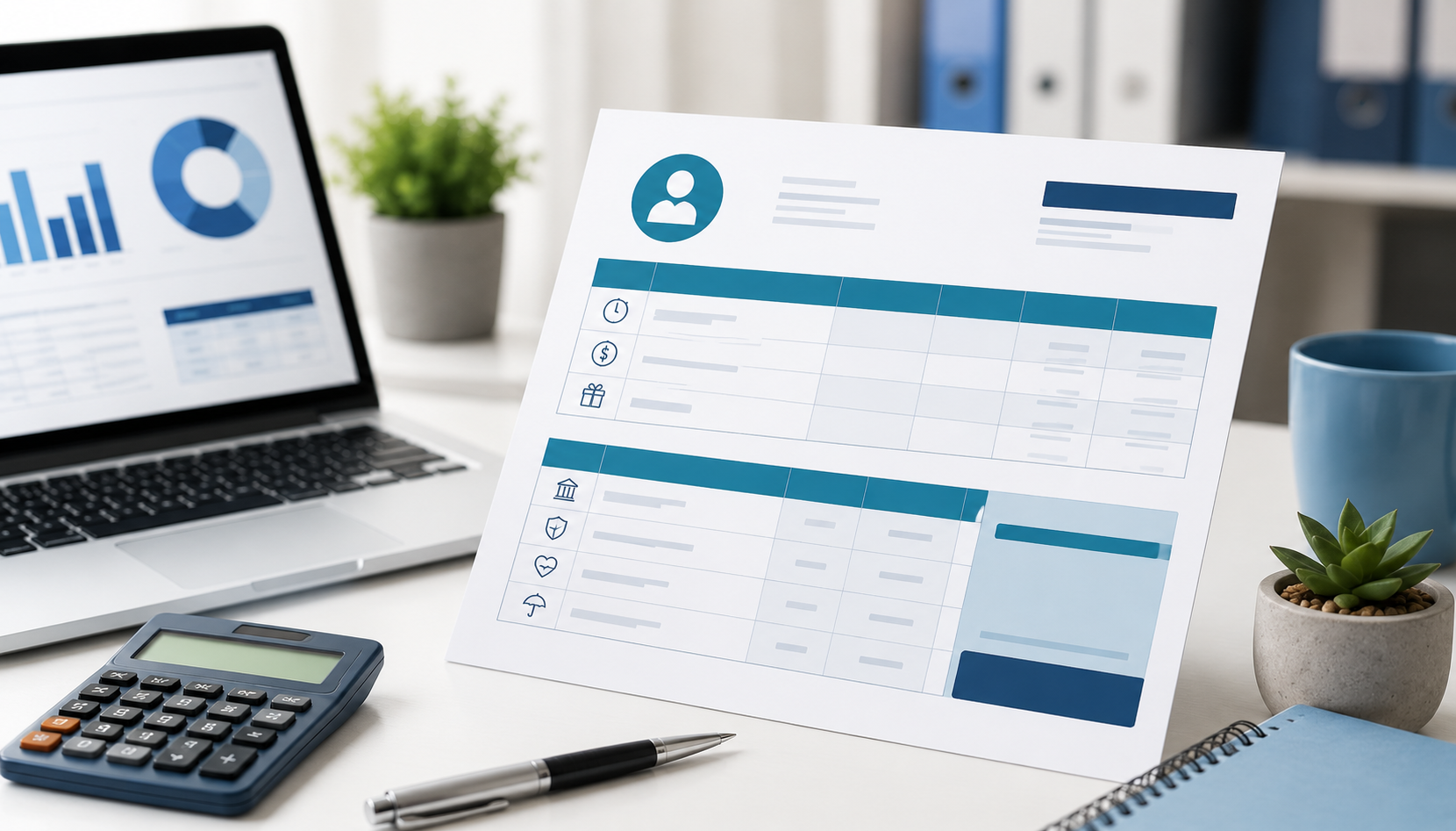
Managing payroll accurately is one of the most important responsibilities for businesses of all sizes. Employees expect transparent payment records, while employers need organized payroll documentation for compliance, tax reporting, and financial management.
One of the simplest ways to improve payroll organization is by using a professional pay stub template.
Whether you run a small business, manage contractors, or oversee a growing workforce, pay stubs help track employee earnings, deductions, taxes, overtime, and net pay in a clear and structured format.
In this guide, we’ll explain what pay stubs are, why they matter, what information they should include, and how businesses can simplify payroll processes using free pay stub templates and workforce management software.
What Is a Pay Stub?
A pay stub is a document provided to employees that shows a detailed breakdown of their earnings and deductions for a specific pay period.
Pay stubs are usually issued alongside employee paychecks or direct deposits and serve as an official payroll record.
A typical pay stub includes:
- Gross pay
- Net pay
- Taxes withheld
- Overtime pay
- Bonuses
- Employee deductions
- Employer contributions
- Hours worked
Pay stubs help employees understand exactly how their wages are calculated while helping employers maintain payroll transparency and compliance.
Why Pay Stubs Are Important
Many businesses underestimate the importance of organized payroll records until problems arise. Inaccurate payroll data can create employee disputes, compliance risks, and accounting issues.
Using a structured pay stub template helps businesses:
- Improve payroll accuracy
- Maintain compliance
- Reduce payroll disputes
- Simplify tax reporting
- Increase employee transparency
- Organize financial records
For employees, pay stubs are often required for:
- Loan applications
- Renting apartments
- Tax filing
- Proof of income
- Employment verification
Also read : Self-Employment Tax Deductions in 2026: Complete Guide to Legally Reduce Your Taxes
What Information Should a Pay Stub Include?
A professional pay stub should clearly display all essential payroll details. Missing information can create confusion and compliance problems.
Employee Information
The pay stub should include:
- Employee name
- Employee ID (if applicable)
- Job title
- Pay period dates
This ensures payroll records remain organized and traceable.
Employer Information
Employers should include:
- Business name
- Company address
- Payroll contact information
Clear employer details improve payroll transparency and professionalism.
Earnings Breakdown
The earnings section should show:
- Regular work hours
- Hourly rate or salary
- Overtime pay
- Bonuses or commissions
- Holiday pay
This gives employees a complete view of their compensation.
Tax Deductions
Payroll taxes are one of the most important components of a pay stub.
Common deductions include:
- Federal income tax
- State income tax
- Social Security tax
- Medicare tax
Accurate tax calculations help businesses avoid payroll compliance issues.
Additional Deductions
Other deductions may include:
- Health insurance
- Retirement contributions
- Loan repayments
- Wage garnishments
Employers should clearly label every deduction.
Net Pay
Net pay represents the employee’s final take-home amount after all deductions are applied.
This is usually the most important figure employees look for on a pay stub.
Also read : What Is a Pay Stub and Why Do You Need It?
Benefits of Using a Pay Stub Template
Creating payroll documents manually can be time-consuming and error-prone. A structured pay stub template simplifies payroll processing and improves consistency.
Saves Time
Templates reduce manual payroll formatting and repetitive calculations.
Instead of creating payroll records from scratch each pay cycle, businesses can use a standardized structure.
Reduces Errors
Payroll mistakes can create employee frustration and compliance risks.
Using organized templates helps:
- Prevent missing data
- Improve calculation accuracy
- Reduce payroll inconsistencies
Improves Professionalism
Professional payroll documentation improves employee trust and business credibility.
Employees appreciate clear and transparent payroll records.
Simplifies Record Keeping
Pay stub templates make payroll records easier to:
- Store
- Access
- Review
- Audit
This is especially important during tax season or compliance reviews.
Common Payroll Mistakes Businesses Make
Payroll errors can become expensive and time-consuming if not handled properly.
Some common mistakes include:
- Incorrect tax deductions
- Missing overtime calculations
- Inaccurate attendance tracking
- Manual payroll errors
- Missing employee records
- Delayed payroll processing
Businesses with remote teams or multiple shifts often struggle with payroll accuracy when workforce data is scattered across different systems.
How Workforce Management Software Simplifies Payroll
Modern workforce management software helps businesses automate and streamline payroll processes by centralizing workforce data.
Instead of manually calculating hours and attendance, businesses can use workforce software to:
- Track employee work hours
- Manage attendance
- Monitor overtime
- Approve timesheets
- Generate payroll reports
- Improve payroll accuracy
This reduces administrative workload while improving transparency and compliance.
Office1Solution helps businesses simplify workforce operations with employee scheduling, attendance tracking, timesheets, and workforce reporting tools that support accurate payroll management.
Who Should Use Pay Stub Templates?
Pay stub templates are useful for many types of businesses and professionals, including:
Small Businesses
Small companies often use templates to simplify payroll processes without expensive accounting systems.
Staffing Agencies
Agencies managing multiple employees and contractors benefit from organized payroll documentation.
Freelancers & Contractors
Independent professionals may use pay stubs as proof of income.
HR & Payroll Teams
HR departments use payroll templates to maintain accurate employee records and improve compliance.
Tips for Managing Payroll More Efficiently
Businesses can improve payroll management by following a few simple best practices.
Automate Time Tracking
Manual attendance tracking increases payroll errors.
Using time tracking software improves payroll accuracy and simplifies reporting.
Maintain Accurate Employee Records
Employee payroll information should always remain updated and organized.
Review Payroll Regularly
Employers should review payroll calculations before processing payments to avoid mistakes.
Use Workforce Management Software
Integrated workforce platforms reduce manual work and help businesses manage payroll, attendance, scheduling, and reporting from one centralized system.
Frequently Asked Questions
What is a pay stub template?
A pay stub template is a pre-designed document used to record employee earnings, taxes, deductions, and net pay.
Why are pay stubs important?
Pay stubs improve payroll transparency, support compliance, and provide proof of income for employees.
What should be included in a pay stub?
Pay stubs should include employee details, earnings, deductions, taxes, hours worked, and net pay.
Can small businesses use pay stub templates?
Yes, pay stub templates are especially useful for small businesses managing payroll manually or with limited resources.
How can payroll software improve payroll management?
Payroll and workforce management software automate time tracking, attendance, payroll reporting, and workforce operations to improve accuracy and efficiency.
Final Thoughts
Payroll management is a critical part of running a successful business. Without accurate payroll records, organizations may face employee disputes, compliance issues, and operational inefficiencies.
Using a professional pay stub template helps businesses improve payroll transparency, reduce errors, and maintain organized financial records. Combined with workforce management software, businesses can automate payroll operations, simplify attendance tracking, and create a more efficient payroll process.
As companies continue managing remote teams, contractors, and flexible workforces, having a reliable workforce management system becomes essential for maintaining payroll accuracy and operational control.
Recent Posts
- Time and Attendance Software: Complete Guide for Employers

- Time and Attendance: What’s the Difference Between the Two?

- How to Reduce Timesheet Errors and Improve Payroll Accuracy

- Timesheet App for Employees: Features, Benefits & Best Practices

- Timesheet Software vs. Excel: Which Is Better for Businesses?
Stay Ahead. Simplify Workforce Management.
Empower your teams to work efficiently with a unified workforce platform built for clarity, control, and actionable insights across your organization.