

Managing employee schedules has always been one of the most challenging responsibilities for business owners, HR teams, and operations managers. As organizations grow, scheduling becomes increasingly complex. Managers must balance employee availability, labor budgets, customer demand, overtime, leave requests, and compliance requirements—all while ensuring daily operations run smoothly.
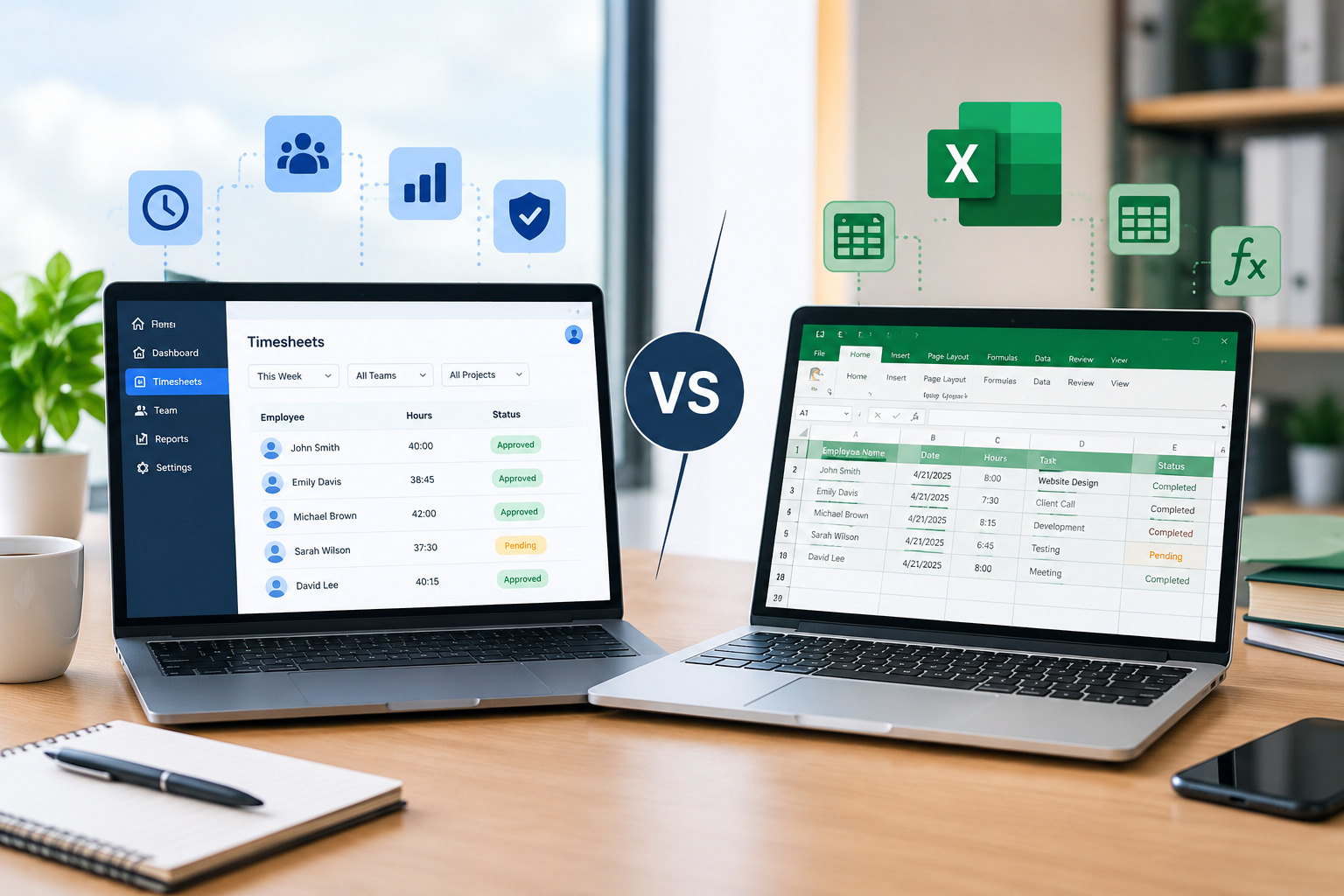
Many businesses still rely on spreadsheets, paper schedules, or manual planning methods. Although these approaches may work for very small teams, they often become inefficient as workforce size and operational complexity increase.
Automated employee scheduling has emerged as a smarter alternative. Modern scheduling software helps businesses create schedules faster, reduce administrative work, improve workforce visibility, and eliminate costly scheduling mistakes.
Rather than spending hours every week adjusting spreadsheets and communicating schedule changes, managers can automate repetitive scheduling tasks and focus on growing the business.
In this guide, we’ll explore the biggest benefits of automated employee scheduling, explain how it improves workforce management, and discuss why organizations across industries are adopting scheduling software.
What Is Automated Employee Scheduling?
Automated employee scheduling uses software to create, manage, and optimize employee work schedules based on predefined rules, workforce requirements, employee availability, labor budgets, and business demand.
Instead of manually assigning every shift, managers can generate schedules quickly while allowing the system to identify conflicts, availability issues, and overtime risks.
Modern scheduling platforms also integrate with attendance tracking, timesheet management, payroll, and workforce reporting, creating a centralized workforce management solution.
Looking for an easier way to manage employee shifts? Explore our Employee Scheduling Software to automate workforce scheduling and improve operational efficiency.
Why Businesses Are Moving Away from Manual Scheduling
Manual scheduling often begins as a practical solution for small teams.
However, as organizations grow, managers spend increasing amounts of time:
- Updating spreadsheets
- Managing shift swaps
- Handling leave requests
- Communicating schedule changes
- Monitoring overtime
- Correcting payroll errors
These repetitive tasks reduce productivity and increase administrative costs.
Automation removes much of this manual work while improving scheduling accuracy.
Benefit #1: Save Hours of Administrative Time
Creating schedules manually often takes several hours every week.
Managers must:
- Review employee availability
- Assign shifts
- Check overtime
- Balance staffing
- Communicate schedules
Every schedule change requires additional updates.
Automated scheduling dramatically reduces this workload by generating schedules in minutes rather than hours.
Managers can spend more time improving operations instead of maintaining spreadsheets.
Benefit #2: Reduce Scheduling Errors
Human error is one of the biggest weaknesses of manual scheduling.
Common mistakes include:
- Double-booking employees
- Scheduling unavailable staff
- Missing shift coverage
- Overlapping shifts
- Incorrect overtime calculations
These mistakes affect productivity and customer service while increasing payroll costs.
Scheduling software automatically checks workforce rules before publishing schedules, significantly reducing scheduling errors.
Benefit #3: Improve Employee Communication
Communication plays a critical role in workforce management.
Employees often miss schedule updates when businesses rely on:
- Printed schedules
- Emails
- Group chats
- Whiteboards
Scheduling software sends automatic notifications whenever schedules change.
Employees can access their schedules from mobile devices at any time.
Improved communication reduces missed shifts and scheduling confusion.
Benefit #4: Control Labor Costs
Labor is one of the largest operating expenses for most businesses.
Poor scheduling often leads to:
- Overstaffing
- Understaffing
- Excessive overtime
- Inefficient workforce utilization
Automated scheduling uses workforce data to align staffing levels with business demand.
This helps managers optimize labor costs without compromising customer service.
Benefit #5: Reduce Overtime Expenses
Many organizations discover overtime problems only after payroll is processed.
By then, labor costs have already increased.
Automated scheduling continuously monitors employee hours and alerts managers before overtime limits are exceeded.
This allows businesses to distribute work more effectively while maintaining compliance with labor policies.
Benefit #6: Better Workforce Visibility
Managers need real-time visibility into workforce operations.
Questions such as:
- Who is working today?
- Which shifts remain uncovered?
- Who is approaching overtime?
- Which employees are available?
should be easy to answer.
Scheduling software provides centralized dashboards that improve workforce visibility and support faster decision-making.
Benefit #7: Simplify Shift Swaps
Employees occasionally need schedule adjustments.
Manual shift changes often involve multiple phone calls, emails, and spreadsheet updates.
Automated scheduling allows employees to request shift swaps through the system while managers maintain approval control.
This saves time while improving flexibility.
Benefit #8: Increase Employee Satisfaction
Fair scheduling directly influences employee morale.
Employees appreciate:
- Predictable schedules
- Advance notice
- Flexible shift management
- Easy leave requests
- Transparent scheduling
Automated scheduling helps businesses create more consistent scheduling practices, improving employee engagement and retention.
Benefit #9: Improve Payroll Accuracy
Scheduling, attendance, and payroll are closely connected.
Manual scheduling frequently results in:
- Incorrect work hours
- Payroll adjustments
- Overtime discrepancies
- Administrative corrections
Automated scheduling integrates with attendance and timesheet systems, improving payroll accuracy.
Learn how our Timesheet Management Software helps businesses track employee work hours accurately and simplify payroll processing.
Benefit #10: Support Business Growth
Scheduling complexity increases as businesses expand.
Organizations with multiple departments, locations, or growing workforces need scalable scheduling systems.
Automated scheduling grows alongside the business, making it easier to manage:
- Multiple locations
- Different shift patterns
- Larger workforces
- Changing operational requirements
Businesses can continue expanding without dramatically increasing administrative workload.
Benefit #11: Improve Customer Service
Employee scheduling directly affects customer experience.
Understaffed shifts often result in:
- Longer wait times
- Delayed service
- Reduced customer satisfaction
Automated scheduling aligns staffing with demand, helping businesses maintain consistent service quality.
Happy employees and properly staffed operations create better customer experiences.
Benefit #12: Better Workforce Planning
Scheduling software collects valuable workforce data.
Managers can analyze:
- Labor costs
- Attendance trends
- Overtime
- Workforce utilization
- Shift coverage
- Productivity
These insights support long-term workforce planning and continuous operational improvement.
Instead of relying on assumptions, businesses make data-driven scheduling decisions.
Industries That Benefit from Automated Scheduling
Nearly every workforce-based industry can benefit from scheduling automation.
Examples include:
- Healthcare
- Retail
- Manufacturing
- Hospitality
- Warehousing
- Logistics
- Construction
- Security services
- Cleaning companies
- Field service businesses
Any organization managing shifts or hourly employees can improve efficiency through scheduling software.
How Automated Scheduling Supports Workforce Management
Scheduling is only one component of workforce management.
The greatest benefits occur when scheduling integrates with:
- Attendance tracking
- Timesheet management
- Leave management
- Workforce reporting
- Productivity monitoring
- Labor forecasting
Office1Solution combines these capabilities into one centralized workforce management platform.
Managers gain complete visibility while reducing manual administrative work.
Discover how our Workforce Management Software helps businesses streamline scheduling, attendance, and workforce operations.
How to Choose the Right Scheduling Software
When evaluating scheduling software, businesses should prioritize features such as:
- Automated schedule generation
- Employee self-service
- Mobile scheduling
- Shift notifications
- Attendance integration
- Timesheet management
- Payroll compatibility
- Workforce reporting
- Multi-location support
- Role-based permissions
Selecting scalable software ensures long-term operational efficiency.
Frequently Asked Questions
What is automated employee scheduling?
Automated employee scheduling uses software to create and manage employee schedules based on business requirements, employee availability, and labor rules.
Does automated scheduling save time?
Yes. Most organizations reduce scheduling time from several hours to just a few minutes each week.
Can automated scheduling reduce labor costs?
Absolutely. Scheduling software helps optimize staffing, reduce overtime, and improve workforce utilization.
Is automated scheduling suitable for small businesses?
Yes. Small businesses benefit from reduced administrative work, better communication, and improved scheduling accuracy.
Final Thoughts
Employee scheduling has become increasingly complex as businesses grow. Manual scheduling methods often create unnecessary administrative work, communication challenges, payroll errors, and labor inefficiencies.
Automated employee scheduling helps organizations simplify workforce management while improving productivity, reducing labor costs, and enhancing employee satisfaction.
By replacing spreadsheets with intelligent scheduling software, businesses gain the flexibility and visibility needed to support long-term growth while delivering better experiences for both employees and customers.
Recent Posts
- Time and Attendance Software: Complete Guide for Employers

- Time and Attendance: What’s the Difference Between the Two?

- How to Reduce Timesheet Errors and Improve Payroll Accuracy

- Timesheet App for Employees: Features, Benefits & Best Practices

- Timesheet Software vs. Excel: Which Is Better for Businesses?
Stay Ahead. Simplify Workforce Management.
Empower your teams to work efficiently with a unified workforce platform built for clarity, control, and actionable insights across your organization.