
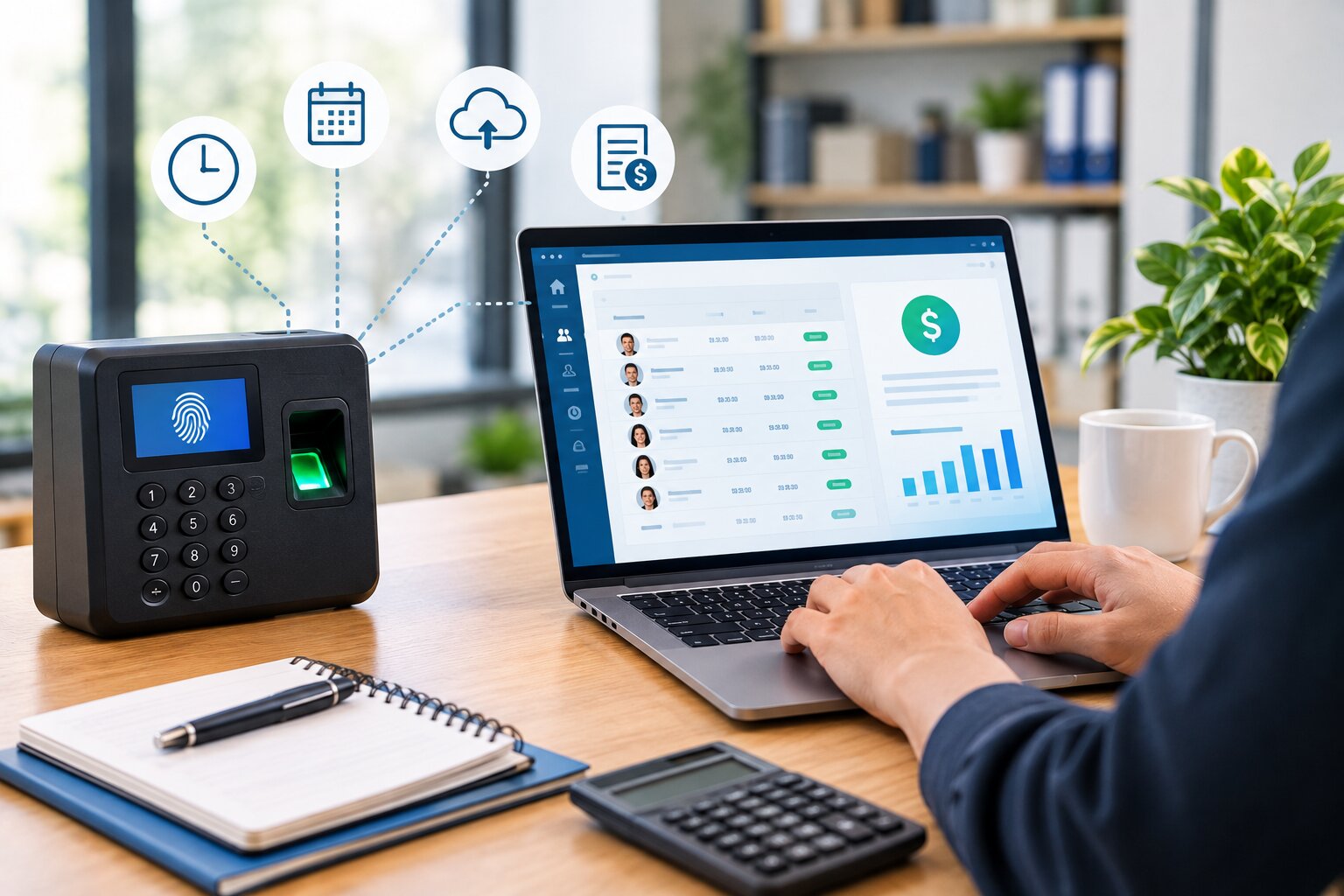
Payroll accuracy is an important part of effective workforce management. Employees expect to be paid correctly and on time, while businesses need reliable records to calculate working hours, overtime, breaks, and other time-based payroll information. When employee hours are collected manually through paper timesheets or spreadsheets, even small mistakes can create payroll discrepancies.
As businesses grow, manually reviewing employee hours becomes increasingly difficult. Employees may forget to record their start or finish times, enter incorrect information, submit timesheets late, or calculate their total hours incorrectly. Managers and payroll teams then have to spend additional time checking and correcting these records before payroll can be processed.
Automated time tracking provides an alternative by digitally recording employee working hours and organizing the information in a centralized system. Depending on the software, employees can clock in and out through computers, mobile devices, or digital time clocks, while managers can review records and identify exceptions before payroll processing.
This guide explains how automated time tracking can improve payroll accuracy, reduce manual errors, simplify overtime management, and create a more efficient payroll workflow.
What Is Automated Time Tracking?
Automated time tracking is a digital process for recording and managing employee working hours with minimal manual data entry.
Instead of requiring employees to write their hours on paper or enter them into a spreadsheet, a time tracking system can record clock-in and clock-out times electronically. The system can then calculate working hours based on the recorded information and configured workplace rules.
Depending on the platform, automated time tracking may also manage breaks, overtime, attendance, schedules, project hours, and employee timesheets.
The main purpose is to create a consistent record of employee time that can be reviewed and used for payroll and workforce management.
Why Payroll Accuracy Matters
Payroll errors can affect both employees and businesses. An employee who is paid for fewer hours than they actually worked may need to spend time resolving the discrepancy. Similarly, paying for hours that were not worked can increase unnecessary labor costs for the business.
Payroll accuracy becomes more challenging when employees work different schedules, overtime, multiple shifts, or across multiple locations.
Reliable time records provide the foundation for accurate payroll calculations. When working hours are recorded consistently, payroll teams have better information to work with.
Automated time tracking can help create that consistency by reducing manual entry and providing a centralized record of employee hours.
The Connection Between Time Tracking and Payroll
Time tracking and payroll are closely connected because working hours often form the basis for payroll calculations, particularly for hourly employees.
The process typically starts when an employee records their working time. Those records are then reviewed and used to determine total hours, overtime, and other applicable time-based information.
When this process is handled manually, each step creates opportunities for errors. An employee may enter the wrong time, a manager may misread a timesheet, or a calculation may be incorrect.
Automated time tracking reduces the number of manual steps between recording employee hours and preparing payroll.
How Automated Time Tracking Improves Payroll Accuracy
Reduces Manual Data Entry
Manual data entry is one of the common sources of timekeeping errors.
Employees may need to write down their working hours or enter them into spreadsheets. Payroll teams then have to transfer or calculate this information.
Automated time tracking reduces the number of times information needs to be manually entered. When employees clock in and out digitally, the system can store the timestamps automatically.
Fewer manual entries can mean fewer opportunities for transcription and calculation mistakes.
Provides Consistent Clock-In and Clock-Out Records
A digital system can create standardized records whenever employees clock in or out.
Instead of relying on handwritten entries such as “9 AM” or “5 PM,” the system can store specific timestamps.
This provides a clearer record of when employees started and finished their shifts.
The records can then be reviewed before payroll is finalized, particularly when unusual or missing entries are detected.
Automatically Calculates Working Hours
Manually calculating employee hours can become complicated when shifts include breaks, split schedules, or overtime.
Automated systems can calculate total working time based on recorded clock-in and clock-out information and configured rules.
For example, if an employee clocks in at 8:58 AM and clocks out at 5:07 PM, the system can calculate the relevant duration according to the organization’s configured break and timekeeping rules.
Automation reduces the need for payroll teams to perform these calculations manually.
Helps Identify Overtime
Overtime can have a significant impact on payroll.
When employee hours are tracked manually, managers may not immediately notice that an employee has worked beyond their scheduled or standard hours.
Automated time tracking can make overtime easier to identify by organizing working hours and comparing them with configured schedules or thresholds.
This gives managers an opportunity to review overtime records before payroll is processed.
Businesses can also use time tracking information to improve future scheduling. For more information, see How to Manage Employee Overtime Through Better Scheduling.
Reduces Timesheet Errors
Timesheet errors can occur when employees forget to record a shift, enter incorrect times, duplicate an entry, or calculate their total hours incorrectly.
Automated time tracking can reduce some of these problems by capturing time electronically.
It does not eliminate all errors. Employees can still forget to clock in or out, and technical issues can occur. However, a digital system can make missing or unusual records easier for managers to identify and correct.
Makes Missing Entries Easier to Detect
A missing clock-in or clock-out can create problems during payroll processing.
With paper timesheets, missing information may not be discovered until the end of the payroll period.
A digital system can make incomplete records more visible. Managers can review employee time records and address missing entries before payroll is finalized.
This can reduce last-minute payroll corrections.
Creates a Centralized Record
Spreadsheets and paper timesheets can be stored in different locations, making it difficult to maintain a single source of information.
Automated time tracking stores employee time records in a centralized system.
Authorized managers and payroll personnel can access the same information instead of working from multiple versions of a spreadsheet.
A centralized record can also make historical information easier to review when questions arise about previous working hours.
Automated Time Tracking and Employee Scheduling
Payroll accuracy improves when time tracking is connected with employee scheduling.
A schedule represents the hours an employee is expected to work, while time tracking records the hours they actually work.
Comparing these two sets of information can help managers identify discrepancies.
For example, an employee scheduled for an eight-hour shift may consistently work an additional hour. If this pattern is identified early, management can review whether the additional hours are necessary or whether the schedule needs to be adjusted.
Businesses can learn more about this relationship through employee scheduling for small businesses.
Automated Time Tracking for Remote Employees
Remote work can make traditional timekeeping methods less practical.
Employees working from home may not have access to a physical time clock, and collecting individual spreadsheets can create additional administrative work.
Cloud-based time tracking systems allow remote employees to record working hours through online platforms or mobile applications.
The business can then access the records centrally, regardless of where employees are working.
However, companies should establish clear policies regarding remote time tracking. Employees should understand when they are expected to record time, how breaks are handled, and how corrections are requested.
Automated Time Tracking for Multiple Locations
Businesses with multiple locations may face additional payroll challenges.
Employees may work at different branches, stores, offices, or job sites, each with different schedules.
If every location maintains separate spreadsheets, payroll teams may need to consolidate information manually.
A centralized time tracking system can provide one location for employee time records while still allowing information to be organized by location, department, or team.
This can make payroll preparation more consistent across the organization.
Automated Time Tracking and Overtime Management
Overtime calculations can be complicated when employees have different schedules or work additional shifts.
Automated time tracking can provide a clearer record of actual hours worked and make overtime easier to identify.
When the system is connected with employee scheduling, managers can also compare planned hours with actual hours.
This can help businesses recognize recurring overtime patterns and investigate why additional hours are occurring.
Time tracking therefore supports not only payroll accuracy but also workforce planning and labor cost management.
Automated Break Tracking
Breaks can affect the total amount of paid or unpaid working time, depending on the organization’s policies and applicable requirements.
Manually recording breaks can create inconsistencies when employees forget to enter them or record them incorrectly.
Some time tracking systems allow employees to record breaks digitally or apply configured break rules.
Businesses should configure these features according to their own policies and applicable employment requirements rather than assuming that software settings automatically determine legal compliance.
How Automated Time Tracking Reduces Payroll Administration
Payroll teams often spend significant time collecting, checking, calculating, and organizing employee time records.
Automated systems can reduce several of these repetitive tasks.
Instead of manually entering employee hours from individual timesheets, payroll staff can review centralized records and focus on exceptions.
This can make the payroll preparation process more organized and give payroll teams more time to review unusual records rather than performing routine calculations.
Time Tracking Software vs. Manual Timesheets
Manual timesheets provide employees with a way to record working hours, but the process depends heavily on accurate and timely employee input.
Automated time tracking shifts more of the process to software.
With manual timesheets, an employee might write down their start and finish times and calculate their total hours. A manager then reviews the timesheet before sending it to payroll.
With automated tracking, the employee can clock in and out digitally, while the system records timestamps and calculates hours according to configured rules.
Neither approach completely eliminates the need for human review. The key difference is the amount of manual work involved.
Businesses comparing these approaches can also explore Time Tracking Software vs. Timesheets.
How Automated Time Tracking Supports Payroll Audits
A well-organized time tracking system can provide a historical record of employee working hours.
If a payroll discrepancy is reported, managers can review the relevant time records and investigate what happened.
Centralized records can make it easier to identify when a clock-in or clock-out occurred and whether a time entry was subsequently corrected.
The exact audit capabilities depend on the software, so businesses should evaluate record history and access controls when selecting a solution.
Improving Payroll Accuracy With Employee Time Tracking Policies
Technology alone cannot guarantee accurate payroll.
Businesses should create clear timekeeping policies that explain how employees are expected to record their working hours.
Employees should understand when to clock in and out, how breaks should be recorded, how missed punches should be corrected, and who should approve changes.
Managers should also have a consistent process for reviewing unusual or incomplete records.
When clear policies are combined with appropriate technology, businesses can create a more reliable payroll workflow.
Common Payroll Problems Automated Time Tracking Can Help Prevent
Automated time tracking can help reduce several common timekeeping-related payroll problems.
One example is incorrect total hours. Automated calculations can reduce the need for employees or managers to manually add hours.
Another is missing time entries. Digital systems can make incomplete records easier to identify before payroll processing.
Duplicate entries and transcription mistakes can also be reduced when employees record time directly in the system rather than submitting separate documents.
Overtime discrepancies can become easier to identify when actual working hours are clearly recorded and compared with schedules.
However, businesses should remember that automation reduces certain risks rather than eliminating every possible payroll error.
How to Implement Automated Time Tracking
Implementing automated time tracking should begin with an assessment of the existing payroll and timekeeping process.
Identify where errors commonly occur. For example, employees may forget to submit timesheets, managers may spend too much time calculating overtime, or payroll staff may receive incomplete records.
Next, determine what the business needs from the new system.
A small office may only need basic clock-in and clock-out functionality, while a larger organization may require mobile tracking, multiple locations, scheduling integration, overtime reporting, project tracking, and payroll integration.
Once a system is selected, employees should receive clear instructions and training.
The business should also establish a process for reviewing time records before payroll is finalized.
Choosing Automated Time Tracking Software
When selecting a time tracking system, businesses should consider more than just the clock-in and clock-out feature.
Ease of use is important because employees need to record time consistently.
Reporting is also valuable because managers and payroll teams may need information about total hours, overtime, attendance, and scheduled versus actual hours.
Integration capabilities should also be considered. If the business already uses scheduling, HR, payroll, or workforce management software, the time tracking solution should fit into the existing workflow where possible.
Security and access controls are important as well because employee time records can contain sensitive workplace information.
Finally, businesses should consider scalability. A system should ideally be capable of supporting the company’s workforce as employee numbers and operational complexity increase.
Automated Time Tracking for Small Businesses
Small businesses often have limited administrative resources, which makes efficiency particularly important.
A business owner or office manager may handle payroll, scheduling, HR, and other responsibilities. Spending hours every pay period checking spreadsheets can take time away from other operational priorities.
Automated time tracking can reduce repetitive administrative tasks by centralizing employee time records and automating calculations.
Small businesses can start with the features they actually need and consider additional capabilities as their workforce grows.
For more information, see our guide to Employee Time Tracking for Small Businesses.
Automated Time Tracking and Employee Trust
Businesses should introduce time tracking transparently.
Employees should understand why the system is being used and what information is being collected.
For example, the purpose may be accurate payroll, overtime management, scheduling, or attendance records.
Companies should avoid collecting unnecessary information simply because the technology makes it possible. Any location-based or monitoring features should be evaluated carefully against legitimate business needs, company policies, and applicable laws.
A transparent approach can help employees understand that time tracking is intended to create accurate and consistent records.
How Employees Benefit From Accurate Time Tracking
Automated time tracking is not only useful for employers.
Accurate records can help employees receive correct pay for recorded working hours and overtime where applicable.
Employees can also use time records to review their own working hours and identify discrepancies before payroll is finalized.
A transparent system can therefore provide both employees and employers with a shared record of working time.
The Role of Time Tracking in Modern Workforce Management
Time tracking has become an important part of broader workforce management.
Employee hours can be connected with scheduling, attendance, overtime management, payroll preparation, project tracking, and workforce reporting.
For example, a business can compare scheduled hours with actual hours and identify recurring staffing patterns.
This information can help managers understand whether current schedules reflect actual workforce requirements.
A centralized workforce management platform can make these connections easier to manage.
How Office1Solution Can Support Automated Time Tracking
Office1Solution is designed to support broader workforce management processes, including employee scheduling, timesheets, HR operations, contractor management, compliance monitoring, and workforce reporting.
For businesses looking to improve payroll-related timekeeping, connecting employee hours with scheduling and timesheet management can provide a more organized workflow.
Instead of maintaining separate spreadsheets for employee hours, schedules, and workforce reports, businesses can use a centralized approach to manage workforce information.
This can help reduce repetitive administrative work while providing managers with greater visibility into employee working hours.
Frequently Asked Questions
How does automated time tracking improve payroll accuracy?
Automated time tracking records employee working hours digitally and can reduce manual data entry, calculation errors, missing entries, and timesheet discrepancies. It can also make overtime and unusual records easier to identify before payroll processing.
Can automated time tracking eliminate payroll errors?
No. Automated time tracking can reduce errors associated with manual timekeeping, but it cannot eliminate every payroll problem. Incorrect employee information, configuration issues, missed clock-ins, and other exceptions may still require human review.
Can time tracking software calculate overtime?
Many systems can calculate or identify overtime based on configured schedules and rules. Businesses should configure the system according to their own policies and applicable requirements and review records before payroll is finalized.
Is automated time tracking useful for small businesses?
Yes. Small businesses can use automated time tracking to reduce manual timesheet work, organize employee hours, and improve visibility into overtime and attendance.
Can automated time tracking work for remote employees?
Yes. Cloud-based systems and mobile applications can allow remote employees to record working hours without using a physical office time clock.
Can time tracking software integrate with payroll?
Some time tracking platforms can integrate with payroll systems or export organized time data for payroll processing. Businesses should verify the specific integrations supported by the software they choose.
How can businesses improve employee adoption of time tracking software?
Businesses should choose an easy-to-use system, explain why it is being introduced, provide clear instructions, and establish straightforward policies for clocking in, recording breaks, and correcting mistakes.
Final Thoughts
Accurate payroll starts with accurate time records. When employee hours are collected manually through paper timesheets or spreadsheets, businesses face more opportunities for missing entries, calculation mistakes, overtime discrepancies, and administrative delays.
Automated time tracking can reduce many of these challenges by digitally recording employee hours, calculating working time, identifying overtime, organizing timesheets, and providing centralized workforce information.
However, technology should be combined with clear timekeeping policies and regular management review. Automated systems are most effective when employees understand how to use them and managers have a consistent process for handling exceptions.
For businesses looking to improve their workforce management processes, automated time tracking can provide a scalable foundation for connecting employee hours with scheduling, attendance, overtime management, and payroll preparation.
Recent Posts
- Time and Attendance Software: Complete Guide for Employers
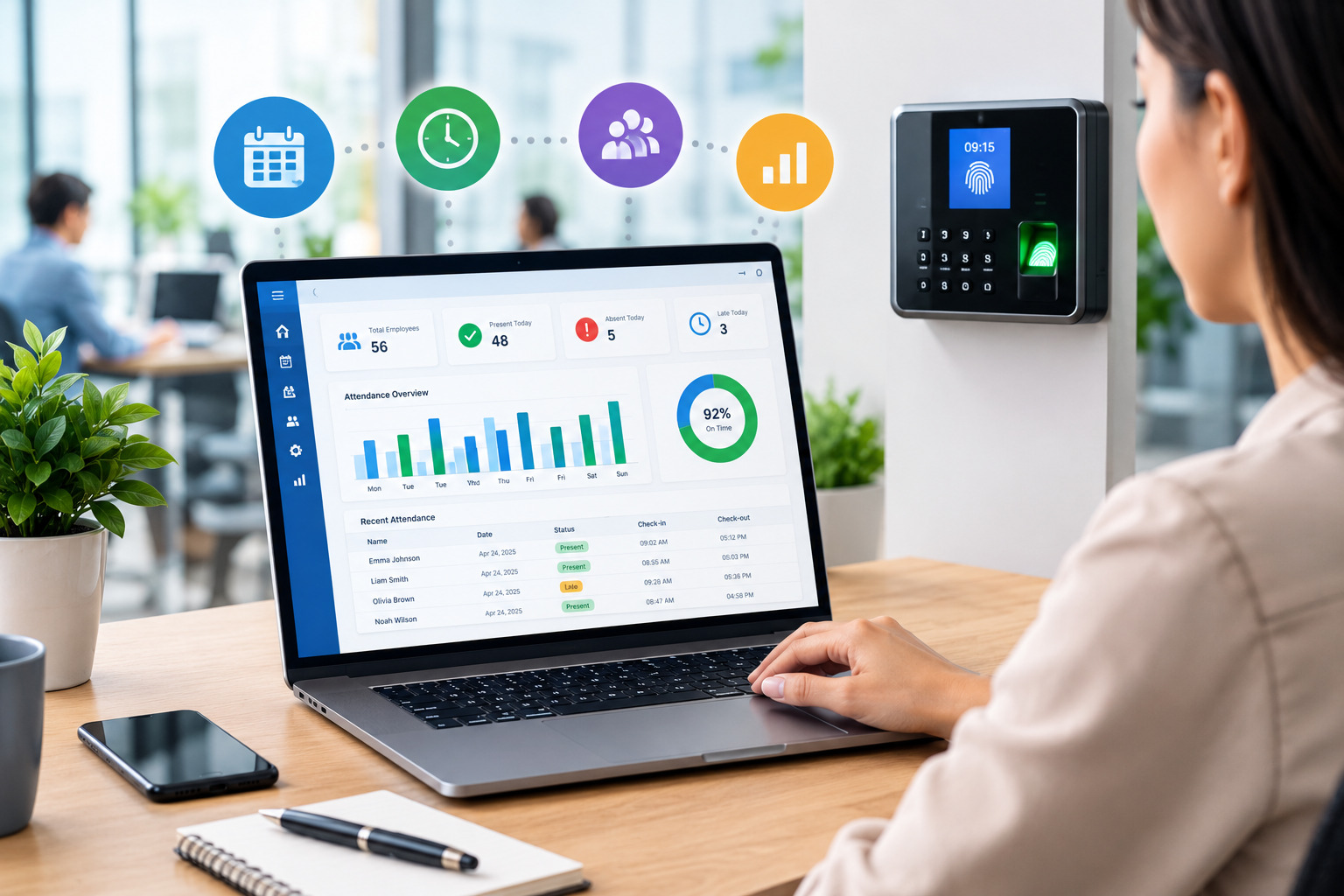
- Time and Attendance: What’s the Difference Between the Two?
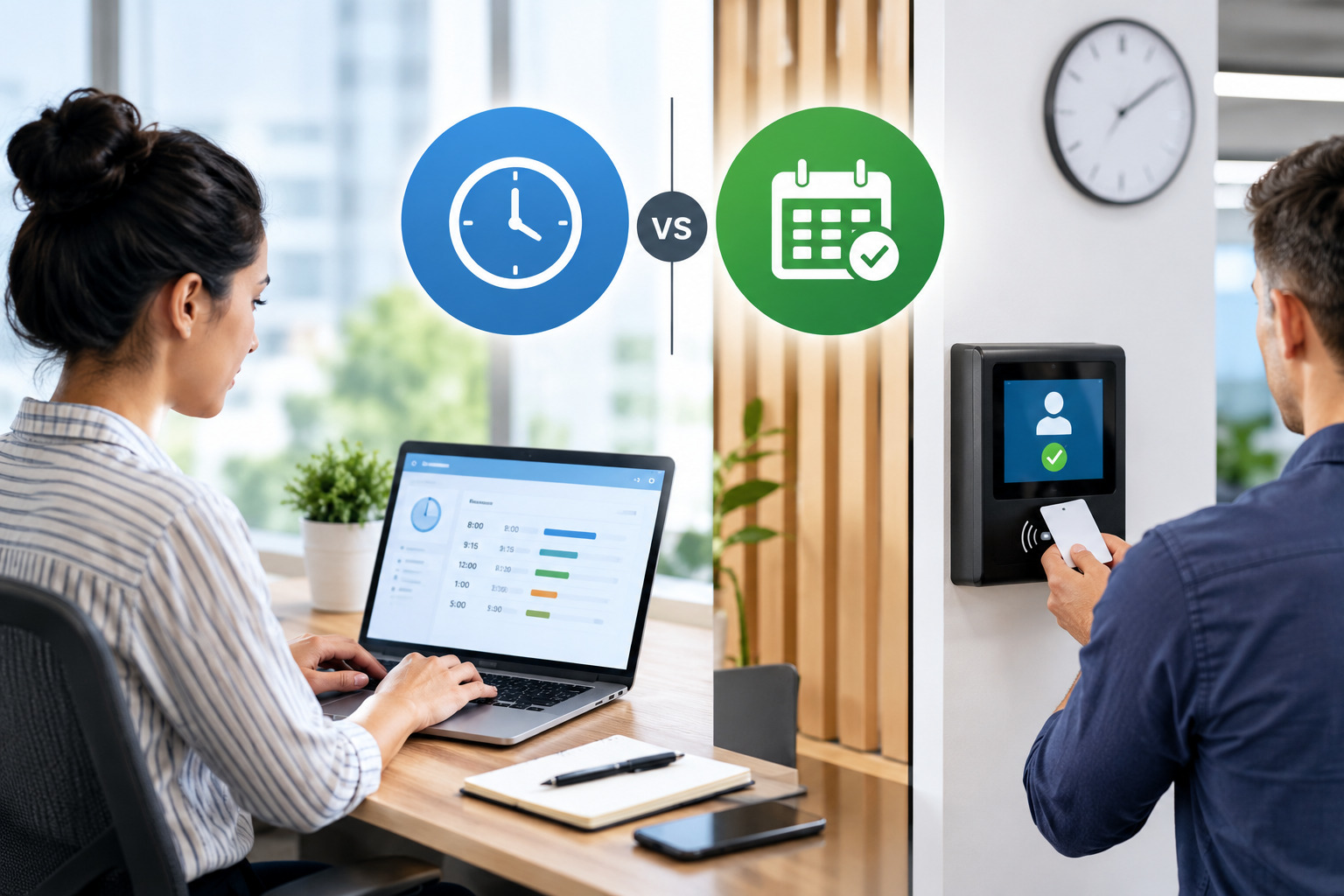
- How to Reduce Timesheet Errors and Improve Payroll Accuracy

- Timesheet App for Employees: Features, Benefits & Best Practices

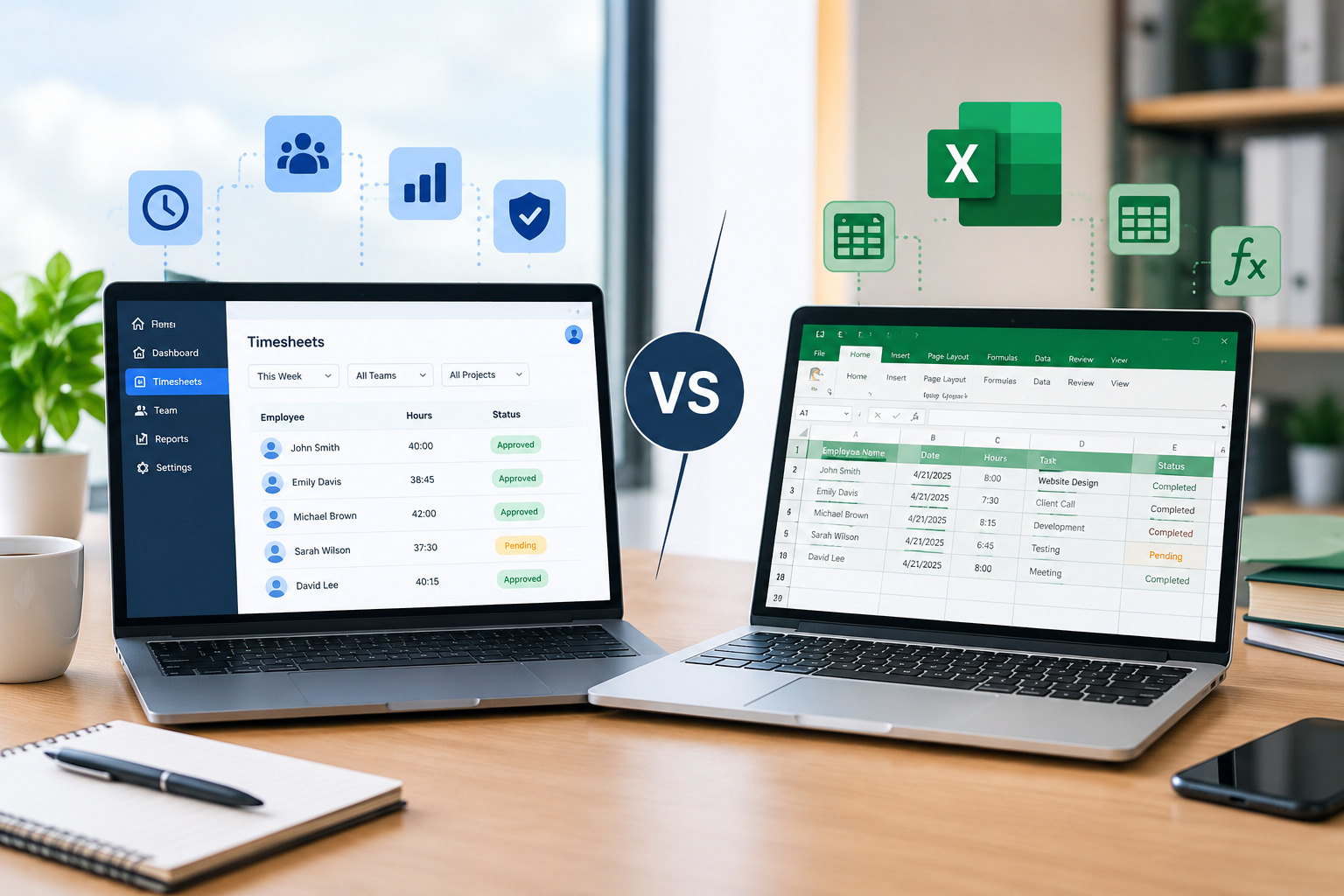
- Timesheet Software vs. Excel: Which Is Better for Businesses?
Stay Ahead. Simplify Workforce Management.
Empower your teams to work efficiently with a unified workforce platform built for clarity, control, and actionable insights across your organization.