
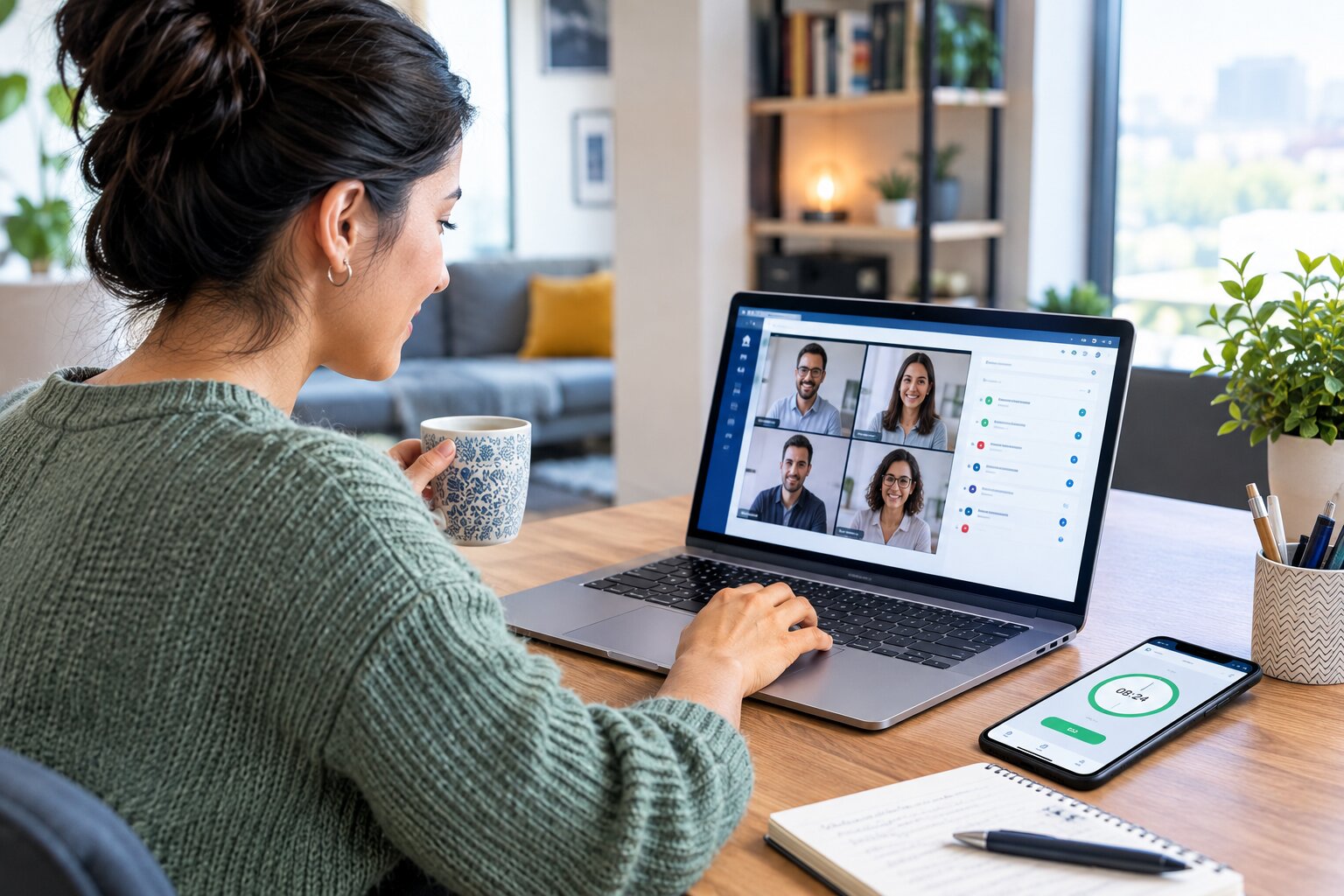
Remote work has changed the way businesses manage employees, schedules, productivity, and working hours. Employees may work from home, coworking spaces, different cities, or even different time zones. While remote work offers flexibility, it also creates new challenges for employers when they need to track employee hours accurately and maintain reliable attendance records.
Traditional punch cards and office-based time clocks are not practical for a distributed workforce. Employers need digital solutions that allow remote employees to record working hours while giving managers a clear view of attendance, schedules, overtime, and timesheet data.
Effective time tracking for remote employees is not about constantly monitoring workers. It is about creating a consistent and transparent process for recording work hours, supporting payroll accuracy, managing workloads, and ensuring that employees and managers have access to reliable information.
This guide explains the best practices employers can follow to track remote employee hours accurately while maintaining flexibility, transparency, and employee trust.
What Is Time Tracking for Remote Employees?
Time tracking for remote employees is the process of recording when employees begin work, take breaks, resume work, and finish their shifts. Depending on the organization’s needs, time tracking may also record overtime, projects, tasks, locations, or specific work activities.
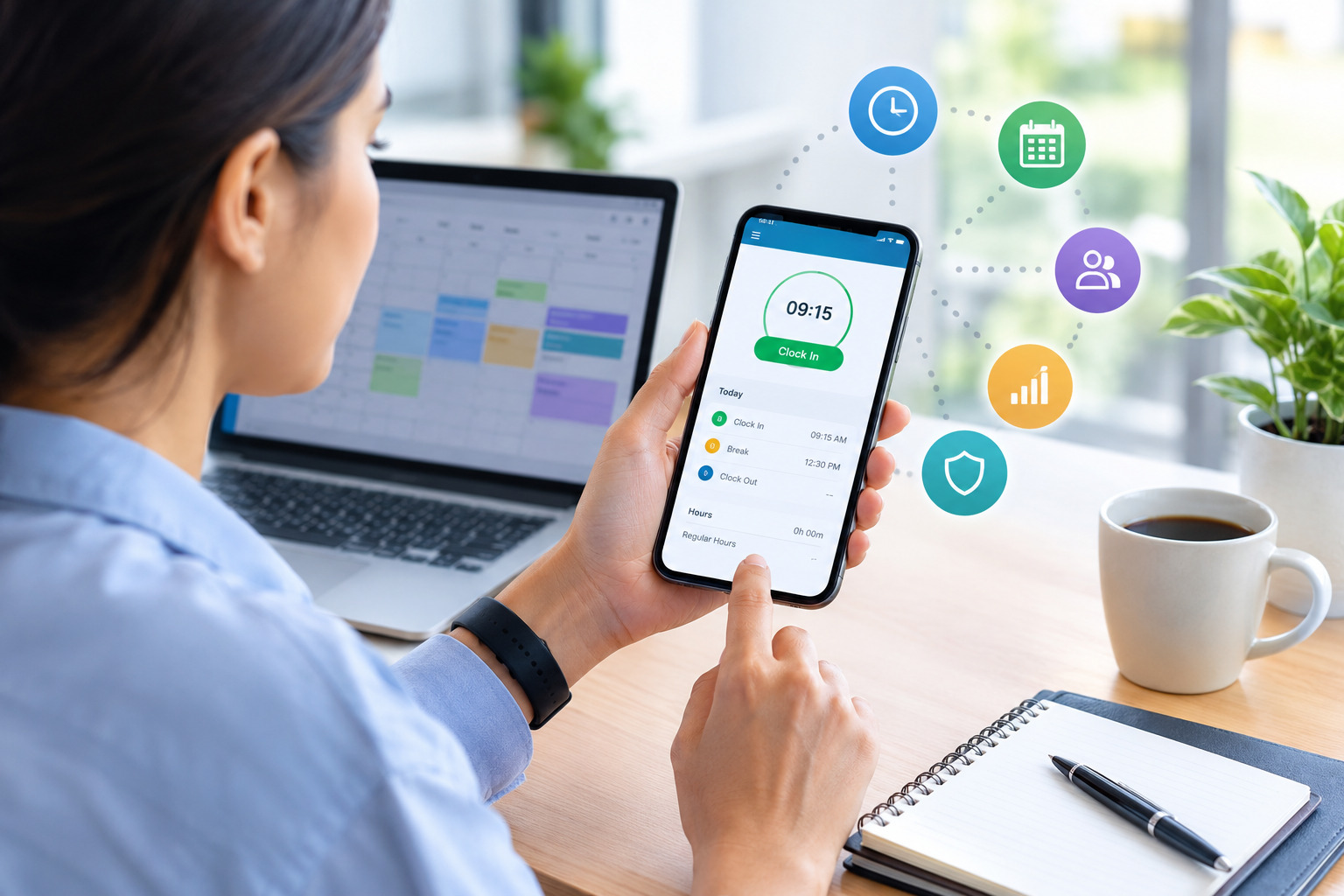
For remote teams, time tracking is usually handled through cloud-based software, online timesheets, mobile applications, or digital clock-in and clock-out systems.
Unlike traditional attendance systems that depend on an employee being physically present at a workplace, remote time tracking allows employees to record their hours from an approved device and location.
A well-designed remote employee time tracking process should make it easy for employees to record their working hours and easy for managers to review and approve those records.
Why Is Time Tracking Important for Remote Employees?
Remote employees often have more flexible working arrangements than employees working in a traditional office. Some may work fixed schedules, while others may have flexible hours based on business requirements.
Without a structured time tracking process, it can become difficult for employers to determine how many hours employees have worked, whether overtime has occurred, or whether scheduled hours are being covered.
Accurate time tracking helps businesses create reliable records that can be used for payroll, scheduling, workforce planning, and reporting.
It can also help employees understand their own working patterns. When employees can review their recorded hours, they have greater visibility into their schedules and can identify missing entries or discrepancies before timesheets are finalized.
Best Practices for Tracking Remote Employee Hours
1. Establish a Clear Time Tracking Policy
Before introducing a time tracking system, employers should establish clear expectations.
Employees should understand when they need to clock in and out, how breaks should be recorded, how overtime is handled, and what they should do if they forget to record time.
A remote employee time tracking policy should also explain how corrections are requested and who approves timesheets.
Clear policies reduce confusion because employees know exactly what is expected of them. They also give managers a consistent process for handling attendance and timesheet issues.
The policy should be easy to access and written in straightforward language rather than being buried in a lengthy employee handbook.
2. Use Digital Time Tracking Software
Manual spreadsheets and paper timesheets can become difficult to manage when employees work remotely.
Digital time tracking software allows employees to record their hours online while managers can access the information from a centralized system.
Depending on the software, employers may be able to manage clock-ins and clock-outs, breaks, overtime, schedules, timesheet approvals, and workforce reports from one platform.
A cloud-based system is particularly useful for remote teams because employees and managers can access the system without being in the same physical workplace.
3. Make Clock-In and Clock-Out Simple
A time tracking system should not create unnecessary administrative work.
Remote employees should have a straightforward way to start and end their workday. Complicated processes can increase the chance of missed entries or inaccurate records.
A simple digital clock-in and clock-out process can help employees maintain consistent records without interrupting their normal workflow.
The goal should be to make time tracking part of the daily routine rather than an additional burden.
4. Define Break and Meal Tracking Rules
Remote employees may take breaks differently from office employees, so employers should clearly explain how breaks should be recorded.
Depending on applicable laws and company policies, employees may need to record meal breaks or other non-working periods separately from working hours.
Clear break rules help prevent confusion when calculating total working time.
Employers should also make sure that the time tracking system reflects the organization’s break policy so employees and managers are working from the same expectations.
5. Set Clear Rules for Overtime
Remote work can sometimes blur the boundaries between working hours and personal time. Employees may respond to messages after their scheduled shift or continue working on tasks outside normal hours.
Employers should establish clear rules regarding overtime.
Employees should know when overtime requires approval, how additional hours should be recorded, and who is responsible for reviewing overtime entries.
Accurate time records can make it easier to identify overtime before payroll is processed and help managers understand where additional labor hours are being generated.
For businesses looking to reduce unnecessary overtime, scheduling and time tracking should work together rather than being managed separately.
6. Account for Different Time Zones
Time zones are one of the biggest challenges for distributed teams.
An organization may have employees working from different cities, states, or countries. If everyone records time according to different local settings without a consistent system, managers may struggle to understand when employees actually worked.
Employers should establish a standard approach to time zones.
A suitable time tracking system should clearly display working hours according to the employee’s configured time zone while allowing managers to review records consistently.
This is particularly important for businesses with teams that operate across multiple locations.
7. Connect Time Tracking With Employee Scheduling
Time tracking becomes more useful when it works together with employee scheduling.
A schedule shows when an employee is expected to work, while time tracking records when the employee actually works.
Comparing scheduled hours with recorded hours can help managers identify late starts, early finishes, missed shifts, schedule changes, or unexpected overtime.
For example, if an employee is scheduled to work from 9:00 a.m. to 5:00 p.m. but regularly records significantly different hours, managers can review whether the difference is caused by an approved flexible schedule, workload changes, or another reason.
This creates a more complete picture of workforce activity without relying entirely on manual checks.
8. Allow Employees to Review Their Time Records
Employees should have visibility into their own time records.
Allowing employees to review timesheets before approval gives them an opportunity to identify missing clock-ins, incorrect breaks, or other errors.
This creates a shared responsibility for accurate records.
Instead of managers discovering every mistake after a payroll period ends, employees can help correct issues while the information is still fresh.
Employee access can also improve transparency because workers can see exactly what hours have been recorded.
9. Create a Process for Correcting Errors
Even the best time tracking system cannot eliminate every mistake.
An employee may forget to clock in, accidentally clock out early, or enter incorrect information.
Employers should establish a simple correction process.
For example, employees may be required to submit a correction request explaining the issue. A manager can then review and approve the adjustment.
Having a documented process is better than relying on informal messages or manual changes that are difficult to track later.
10. Protect Employee Privacy
Remote time tracking should focus on recording working hours rather than unnecessarily monitoring employees.
Employers should be transparent about what information is collected, why it is collected, who can access it, and how long records are retained according to company policies and applicable requirements.
A time tracking system does not necessarily need to monitor every action an employee takes throughout the workday.
For many organizations, recording clock-in and clock-out times, breaks, schedules, overtime, and approved work information is enough to support payroll and workforce management.
A transparent approach can help employees understand the purpose of time tracking and reduce concerns about excessive monitoring.
Time Tracking vs. Employee Monitoring
Time tracking and employee monitoring are not the same thing.
Time tracking generally focuses on recording working hours. It can include clock-in and clock-out times, breaks, overtime, schedules, and timesheet approvals.
Employee monitoring can involve broader forms of workplace observation, depending on the tools and policies used by an employer.
For remote teams, businesses should clearly define what their time tracking system is intended to accomplish.
If the primary goal is payroll accuracy, scheduling, attendance management, and workforce planning, the system should be configured around those business needs.
Keeping the purpose clear can make the process easier for both employers and employees.
How Automated Time Tracking Helps Remote Teams
Automated time tracking can reduce the amount of manual work involved in collecting and calculating employee hours.
Instead of asking employees to calculate their total hours manually, a digital system can calculate working time based on recorded entries.
Depending on the platform, automation may also help identify overtime, missing entries, schedule differences, and timesheet issues.
This can reduce administrative work for managers and HR teams while creating a more consistent record of employee hours.
For payroll teams, accurate time records can also reduce the need to manually transfer information from spreadsheets or paper timesheets into another system.
How Remote Time Tracking Supports Payroll Accuracy
Payroll depends on accurate information about employee working hours.
If employees are paid based on hours worked, incorrect time records can result in incorrect payroll calculations.
Remote time tracking can create a centralized record of hours worked, breaks, overtime, and approved adjustments.
When these records are reviewed before payroll processing, businesses can identify discrepancies earlier.
Automated calculations can also reduce common manual errors, such as incorrect addition of daily hours or miscalculating overtime.
For more information, employers can also review a detailed guide on [how automated time tracking improves payroll accuracy].
How Time Tracking Helps Manage Remote Employee Overtime
Remote employees may sometimes work beyond their scheduled hours without realizing how quickly those additional hours accumulate.
A time tracking system can make additional hours more visible.
Managers can review recorded hours against scheduled hours and identify employees who are approaching or exceeding expected working hours.
This can support better workload planning and help managers determine whether additional staffing, schedule adjustments, or workload redistribution may be necessary.
Time tracking should not be used simply to discourage employees from working additional hours. Instead, it can provide managers with information needed to understand why overtime is occurring.
Using Time Tracking for Flexible Work Schedules
Flexible schedules are common in remote work environments.
An employee may have the freedom to start earlier, take a longer break, or finish later while still completing the required number of working hours.
A good time tracking system can support this flexibility while maintaining accurate records.
Employers should distinguish between flexibility and a lack of structure.
Employees can have flexible schedules while still following clear rules for required working hours, availability, meetings, deadlines, and time recording.
This approach gives employees freedom while giving managers enough information to coordinate the workforce.
Time Tracking for Remote and Hybrid Employees
Many businesses now operate hybrid teams where some employees work remotely while others work from an office.
Managing time records across both groups can become complicated if separate systems are used.
A centralized time tracking platform can help create consistent processes across different work environments.
Office employees and remote employees can follow the same basic rules for recording hours while using appropriate clock-in methods based on their work arrangements.
This can simplify administration and make workforce reporting more consistent.
Common Challenges With Remote Employee Time Tracking
Forgotten Clock-Ins and Clock-Outs
One common problem is employees forgetting to record their start or end time.
A correction process, reminders, and employee access to timesheets can help reduce the impact of missing entries.
Inaccurate Manual Entries
When employees manually enter hours at the end of the day or week, they may not remember exact working times.
Real-time clock-in and clock-out systems can reduce the need for employees to reconstruct their work hours later.
Different Work Schedules
Remote teams may operate across different schedules and time zones.
Clear scheduling rules and consistent time zone settings can help managers interpret time records correctly.
Overtime Management
Remote employees may work beyond their planned schedules.
Tracking scheduled versus actual hours can help managers identify overtime patterns and review whether additional hours were approved or expected.
Employee Resistance
Employees may initially worry that time tracking means constant surveillance.
Employers can reduce confusion by clearly communicating what information is collected and how it will be used.
Explaining that the purpose is to support accurate payroll, scheduling, compliance, and workforce management can make adoption easier.
How to Implement a Remote Employee Time Tracking System
Successful implementation starts with identifying the organization’s actual requirements.
A small remote team may only need basic clock-in and clock-out functionality, while a larger organization may require scheduling, overtime management, approvals, reporting, and multiple-location support.
Employers should first document their existing process and identify common problems.
Next, they can select a digital system that addresses those problems without introducing unnecessary complexity.
Employees should receive clear instructions before the system becomes mandatory. Training can cover how to clock in and out, record breaks, correct errors, submit timesheets, and request adjustments.
After implementation, managers should review the process periodically and address recurring issues.
Features to Look for in Remote Employee Time Tracking Software
When choosing a time tracking system for remote employees, employers may consider features such as:
- Online clock-in and clock-out
- Digital timesheets
- Mobile access
- Break tracking
- Overtime tracking
- Employee scheduling
- Timesheet approval workflows
- Automated hour calculations
- Multiple-location support
- Time zone support
- Payroll-related reporting
- Attendance records
- Employee self-service access
- Cloud-based access
- Workforce reports
The right combination depends on the size of the organization, workforce structure, payroll process, and scheduling requirements.
Time Tracking for Small Remote Teams
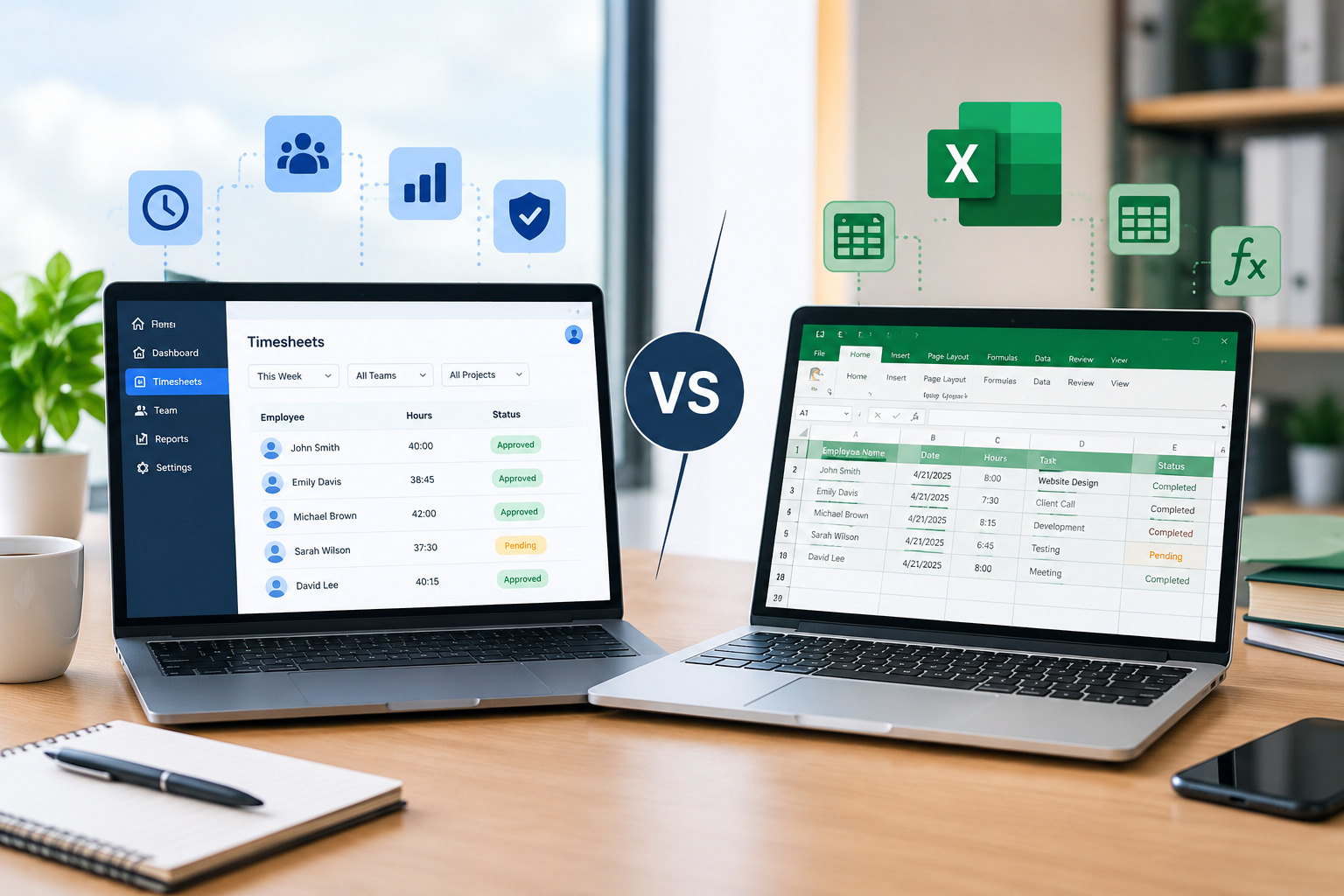
Small businesses often begin with spreadsheets or manual timesheets because they are inexpensive and familiar.
However, as the number of employees increases, manually managing time records can become more difficult.
A digital time tracking system can reduce administrative work and provide a centralized place for employee hours.
Small businesses should avoid choosing a system with unnecessary complexity. The focus should be on features that solve actual operational problems, such as accurate hour tracking, overtime visibility, scheduling, and timesheet approvals.
Best Practices for Building Employee Trust
Employee trust is an important part of a successful remote time tracking process.
Employers should explain the purpose of the system before implementation rather than introducing it without context.
Employees should understand what data is collected and how managers will use it.
Businesses should also avoid changing time tracking rules frequently without communicating those changes.
Consistent policies make the process more predictable.
Another important practice is to use time tracking information consistently. If employees are required to record hours, the same rules should generally apply to employees working under similar arrangements.
What Employers Should Avoid
Remote time tracking can become ineffective when businesses focus too heavily on monitoring instead of workforce management.
Employers should avoid requiring employees to repeatedly update unnecessary information or use complicated processes that create additional administrative work.
They should also avoid relying entirely on time records to evaluate performance.
Hours worked and employee performance are related to workforce planning, but they are not necessarily the same measurement. Productivity can depend on job responsibilities, project complexity, experience, collaboration, and many other factors.
Time tracking should therefore be used primarily for appropriate business purposes such as attendance, payroll, scheduling, overtime management, and workforce reporting.
How Office1Solution Can Support Remote Workforce Management
Office1Solution provides workforce management capabilities designed to help businesses manage employee schedules, time records, HR operations, contractors, compliance-related processes, and workforce reporting.
For organizations managing remote or distributed teams, a centralized workforce management approach can make it easier to connect employee scheduling and time tracking.
Instead of managing schedules and employee hours through disconnected spreadsheets and manual records, businesses can use a centralized system to organize workforce information.
For employers managing growing remote teams, integrating scheduling, time tracking, attendance, and workforce reporting can create a more organized process and reduce unnecessary administrative work.
Frequently Asked Questions About Time Tracking for Remote Employees
How do employers track remote employee hours?
Employers can track remote employee hours using digital time tracking software, online timesheets, mobile applications, web-based clock-in systems, or other approved timekeeping methods. The appropriate method depends on the organization’s workforce and operational requirements.
Is time tracking necessary for remote employees?
The need for time tracking depends on the employer’s business model, payroll structure, work arrangements, and applicable requirements. For organizations that need accurate records of hours worked, digital time tracking can provide a structured way to collect and manage that information.
How can employers track remote employees without micromanaging?
Employers can focus time tracking on work hours, breaks, schedules, overtime, and other legitimate workforce management requirements rather than attempting to monitor every employee activity. Clear policies and transparent communication are important.
What is the best way to track remote employee hours?
There is no single method that works for every organization. Digital time tracking software can be useful for businesses that need centralized records, automated calculations, scheduling integration, overtime tracking, and workforce reporting.
Can remote employees track time from their phones?
Many modern time tracking systems provide mobile access, allowing employees to record working hours through a smartphone or other supported device. Employers should select a system that fits their workforce policies and security requirements.
How does time tracking help with remote employee payroll?
Time tracking provides records of employee working hours that can be reviewed before payroll processing. Accurate digital records can reduce manual calculations and help identify missing entries, overtime, or other discrepancies.
How should employers handle remote employees working in different time zones?
Employers should establish clear time zone policies and use a system that records and displays time consistently. Employees should know which schedule and time zone rules apply to their role.
Can time tracking software work for hybrid employees?
Yes. A centralized system can support employees working from different environments, including home and office locations. This can help businesses maintain consistent timekeeping processes across a hybrid workforce.
Final Thoughts
Effective time tracking for remote employees is about more than recording start and finish times. It can support payroll accuracy, overtime management, scheduling, attendance records, workforce planning, and better visibility into employee hours.
The most effective approach starts with clear policies and simple processes. Employers should give employees an easy way to record their hours, provide visibility into their timesheets, establish rules for breaks and overtime, and create a straightforward process for correcting mistakes.
For growing remote and hybrid teams, digital time tracking can reduce manual administration while giving managers a centralized view of workforce information.
When time tracking is implemented transparently and used for appropriate workforce management purposes, it can support both operational efficiency and a more organized remote work environment.
Recent Posts
- Time and Attendance Software: Complete Guide for Employers
- Time and Attendance: What’s the Difference Between the Two?
- How to Reduce Timesheet Errors and Improve Payroll Accuracy
- Timesheet App for Employees: Features, Benefits & Best Practices
- Timesheet Software vs. Excel: Which Is Better for Businesses?
Stay Ahead. Simplify Workforce Management.
Empower your teams to work efficiently with a unified workforce platform built for clarity, control, and actionable insights across your organization.