
Managing employee schedules is one of the most important responsibilities for any business that relies on hourly workers, shift-based teams, or multiple departments. Whether you’re operating a retail store, healthcare facility, manufacturing plant, construction company, warehouse, or professional services firm, having the right employees available at the right time directly impacts productivity, customer satisfaction, and profitability.
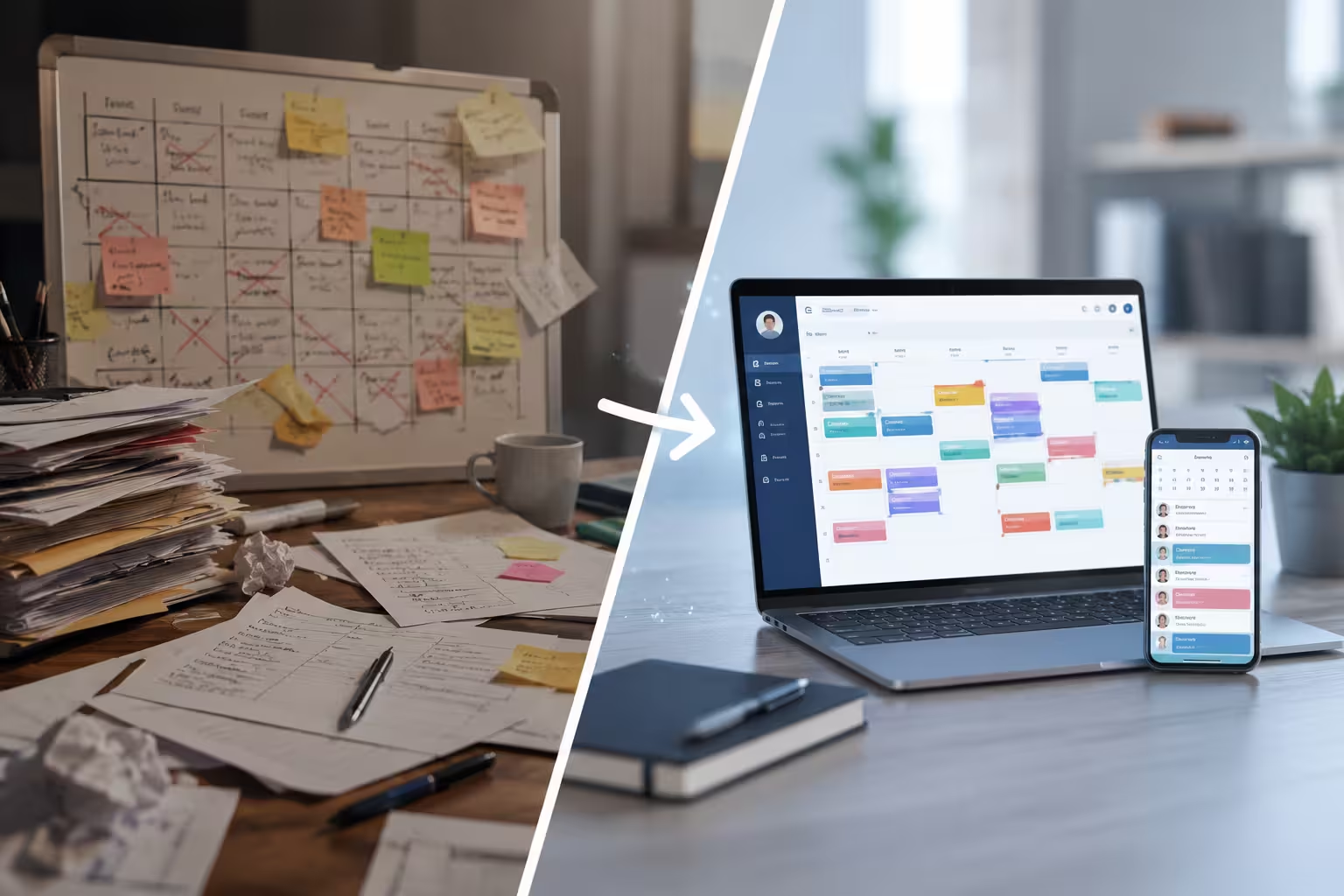
For many businesses, scheduling starts with simple methods like Excel spreadsheets, paper rosters, or shared calendars. These manual systems may work well for small teams, but as businesses grow, scheduling becomes increasingly complex. Managing employee availability, leave requests, overtime, shift swaps, and multiple locations manually can quickly become time-consuming and prone to errors.
This is why more organizations are replacing manual scheduling with employee scheduling software. Modern scheduling platforms automate repetitive tasks, improve communication, and provide managers with real-time visibility into workforce operations.
In this guide, we’ll compare manual scheduling and scheduling software, examine the advantages and disadvantages of each approach, and help you determine which option is best for your business.
What Is Manual Scheduling?
Manual scheduling refers to creating employee work schedules using traditional methods such as spreadsheets, paper calendars, whiteboards, or shared documents.
Managers typically collect employee availability, assign shifts manually, and communicate schedules through email, messaging apps, or printed copies.
Although manual scheduling requires very little initial investment, it becomes increasingly difficult to manage as the workforce expands.
Many businesses continue using manual scheduling simply because it is familiar. However, familiarity does not always translate into efficiency.
As organizations grow, manual scheduling often consumes valuable management time while increasing the risk of costly scheduling mistakes.
What Is Employee Scheduling Software?
Employee scheduling software is a digital solution designed to automate workforce scheduling and simplify employee shift management.
Instead of manually updating spreadsheets or sending multiple messages, managers can create schedules, assign shifts, approve leave requests, and notify employees from one centralized platform.
Modern scheduling software often includes features such as:
- Automated shift creation
- Employee availability management
- Shift swap requests
- Leave management
- Real-time notifications
- Mobile access
- Attendance integration
- Timesheet synchronization
- Reporting and workforce analytics
Rather than simply replacing spreadsheets, scheduling software becomes a central workforce management tool that improves efficiency across the organization.
Looking for a smarter way to manage employee shifts? Explore our Employee Scheduling Software to automate scheduling, improve workforce visibility, and simplify shift management.
Also Read : What Is Workforce Planning? Benefits, Process & Best Practices (2026 Guide)
Why Scheduling Matters More Than Ever
Today’s workforce expects flexibility, transparency, and accurate communication.
Employees want to know their schedules in advance, request time off easily, and receive updates instantly.
Managers, on the other hand, need tools that help control labor costs while ensuring adequate staffing.
Poor scheduling can lead to:
- Missed shifts
- Overtime costs
- Employee frustration
- Payroll errors
- Customer service issues
- Lower productivity
Whether you’re managing 20 employees or 2,000, scheduling directly affects business performance.
Manual Scheduling vs. Scheduling Software: Key Differences
Although both approaches aim to organize employee work schedules, they differ significantly in efficiency, accuracy, and scalability.
Time Required
Manual scheduling often requires several hours each week. Managers must review availability, assign shifts, communicate schedules, and handle changes manually.
Scheduling software automates much of this process, allowing schedules to be created in minutes instead of hours.
As workforce size increases, the time savings become even more significant.
Accuracy
Manual scheduling increases the likelihood of:
- Double-booking employees
- Missing shift coverage
- Scheduling unavailable staff
- Overtime mistakes
Even small errors can disrupt operations.
Scheduling software automatically checks employee availability, shift conflicts, and labor rules before publishing schedules, helping reduce costly mistakes.
Employee Communication
Communication is often one of the biggest challenges with manual scheduling.
Employees may miss emails, overlook spreadsheet updates, or fail to notice schedule changes.
Scheduling software keeps employees informed through instant notifications and mobile access, ensuring everyone has the latest schedule information.
This reduces confusion and improves workforce reliability.
Flexibility
Unexpected changes happen in every workplace.
Employees become sick, request leave, or need shift swaps.
With manual scheduling, every change requires managers to update documents and contact multiple employees individually.
Scheduling software allows managers to make changes instantly while automatically notifying affected employees.
This creates a far more flexible scheduling process.
Workforce Visibility
Managers using spreadsheets often struggle to answer simple questions like:
- Who is currently working?
- Who has already reached overtime?
- Which employees are available tomorrow?
Scheduling software provides real-time workforce visibility, allowing managers to make informed decisions quickly.
This visibility improves operational planning and resource allocation.
Payroll Accuracy
Scheduling and payroll are closely connected.
Manual scheduling often results in:
- Incorrect work hours
- Missed overtime
- Payroll adjustments
- Administrative corrections
Many scheduling platforms integrate directly with timesheet management, reducing payroll errors and improving operational efficiency.
Discover how our Timesheet Management Software helps businesses improve payroll accuracy with automated work-hour tracking.
Business Growth
Manual scheduling becomes increasingly difficult as organizations expand.
Adding more employees often means:
- More shift combinations
- More availability requests
- More leave requests
- More communication
- More scheduling conflicts
Scheduling software is designed to scale with business growth, making it suitable for organizations managing hundreds or even thousands of employees.
Advantages of Manual Scheduling
Manual scheduling may still be suitable for some organizations.
Advantages include:
- Low upfront cost
- Familiar process
- No software training required
- Simple for very small teams
Businesses with only a few employees may find manual scheduling sufficient during their early stages.
However, these advantages usually disappear as workforce complexity increases.
Also Read : What Is a Timesheet? Complete Guide for Employers (2026)
Disadvantages of Manual Scheduling
The limitations of manual scheduling become more noticeable over time.
Common challenges include:
- Time-consuming schedule creation
- Human errors
- Poor communication
- Difficult shift management
- Limited reporting
- No workforce visibility
- Increased overtime
- Higher administrative workload
Managers often spend valuable hours maintaining schedules instead of focusing on employee development or business growth.
Advantages of Scheduling Software
Scheduling software addresses many of the challenges associated with manual scheduling.
Organizations often experience:
- Faster schedule creation
- Improved communication
- Reduced scheduling conflicts
- Better workforce visibility
- Lower labor costs
- Higher employee satisfaction
- Better compliance
- Improved reporting
Automation allows managers to focus on strategic workforce planning rather than repetitive administrative tasks.
When Should You Upgrade to Scheduling Software?
Many businesses continue using spreadsheets long after they have outgrown them.
You should consider scheduling software if:
- Creating schedules takes several hours every week.
- Employees frequently miss shifts.
- Overtime costs continue increasing.
- Managers spend excessive time handling schedule changes.
- Payroll corrections are becoming common.
- Your business operates across multiple locations.
- Workforce visibility is limited.
- Employee complaints about scheduling are increasing.
These signs often indicate that manual scheduling is limiting operational efficiency.
How Scheduling Software Improves Employee Experience
Scheduling software benefits employees as much as managers.
Employees gain:
- Mobile schedule access
- Faster communication
- Greater schedule transparency
- Easier leave requests
- Shift swap functionality
- Better work-life balance
Improved employee experiences often lead to stronger engagement, lower turnover, and higher productivity.
How Scheduling Software Supports Workforce Management
Scheduling is only one part of effective workforce management.
Modern organizations benefit from integrating scheduling with:
- Attendance tracking
- Time tracking
- Timesheet management
- Workforce reporting
- Productivity monitoring
- Leave management
Office1Solution provides a complete workforce management solution that connects employee scheduling with attendance, timesheets, and workforce reporting, giving managers full visibility into daily operations.
Learn how our Workforce Management Software helps businesses streamline scheduling, attendance, and employee operations from one centralized platform.
Choosing the Right Scheduling Software
Not all scheduling platforms offer the same capabilities.
Look for software that includes:
- Automated scheduling
- Employee self-service
- Mobile access
- Multi-location support
- Attendance integration
- Timesheet integration
- Leave management
- Workforce reporting
- Payroll compatibility
- Real-time notifications
Choosing the right platform ensures your scheduling system can grow alongside your business.
Frequently Asked Questions
Is scheduling software better than Excel?
Yes. Scheduling software automates scheduling tasks, improves communication, reduces errors, and provides workforce visibility that spreadsheets cannot offer.
Can small businesses benefit from scheduling software?
Absolutely. Small businesses save time, reduce administrative work, and improve employee communication through scheduling software.
Does scheduling software reduce overtime?
Yes. Scheduling software helps managers monitor employee hours before overtime occurs, reducing unnecessary labor costs.
Can scheduling software integrate with payroll?
Many modern scheduling systems integrate with timesheet and payroll solutions, improving payroll accuracy and reducing manual data entry.
Final Thoughts
While manual scheduling may work for very small teams, it quickly becomes inefficient as organizations grow. Time-consuming administrative work, communication challenges, scheduling conflicts, and payroll errors often prevent businesses from operating at their full potential.
Employee scheduling software provides a scalable solution that simplifies scheduling, improves workforce visibility, enhances communication, and supports long-term business growth.
If your managers spend hours each week creating schedules or constantly resolving scheduling issues, investing in modern scheduling software can help reduce costs, improve employee satisfaction, and increase operational efficiency.
Recent Posts
- Time and Attendance Software: Complete Guide for Employers

- Time and Attendance: What’s the Difference Between the Two?

- How to Reduce Timesheet Errors and Improve Payroll Accuracy

- Timesheet App for Employees: Features, Benefits & Best Practices

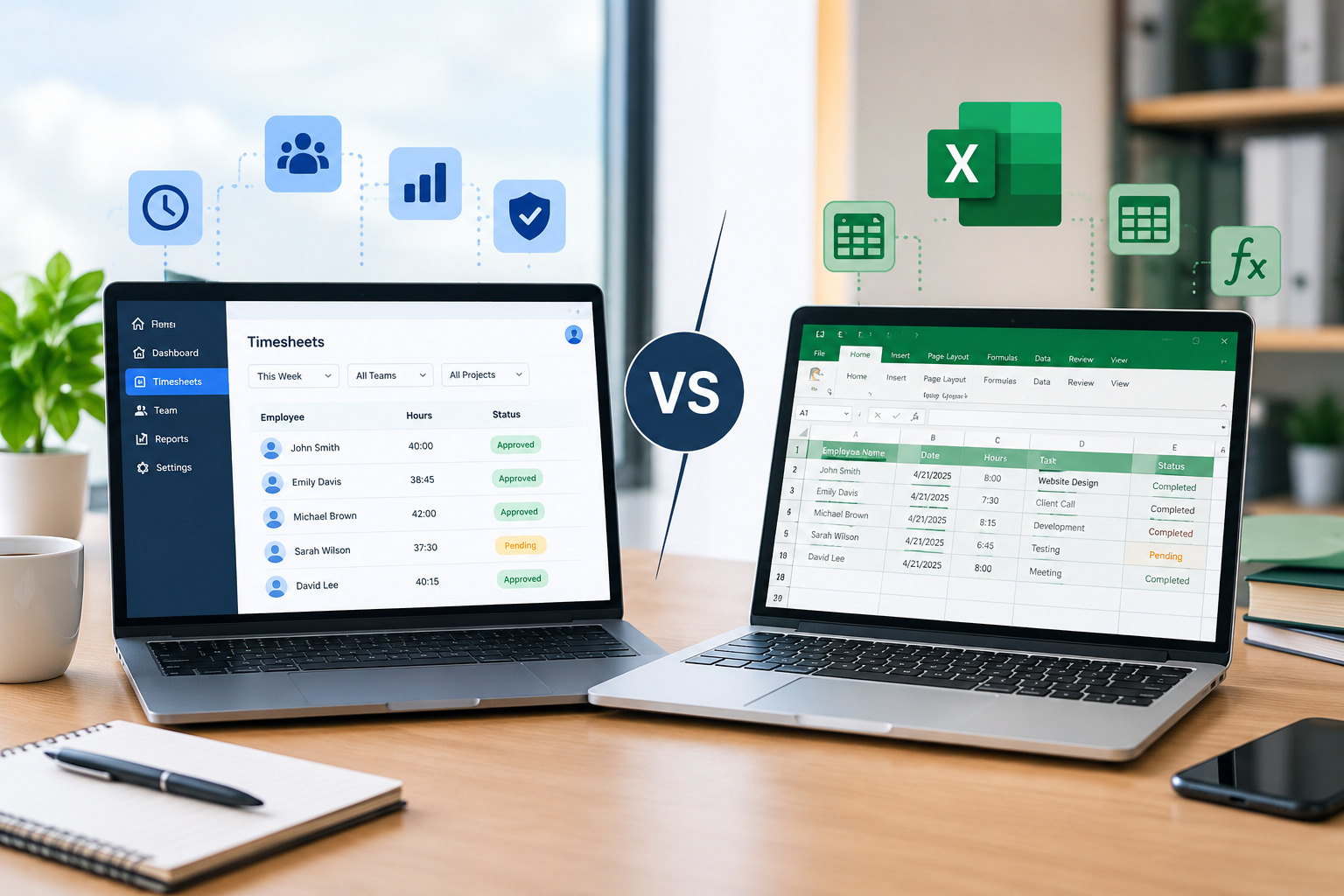
- Timesheet Software vs. Excel: Which Is Better for Businesses?
Stay Ahead. Simplify Workforce Management.
Empower your teams to work efficiently with a unified workforce platform built for clarity, control, and actionable insights across your organization.